
Cone and Stochastic Process Demo
Loading the math board and drawing, please wait…
In collections
Surface Area
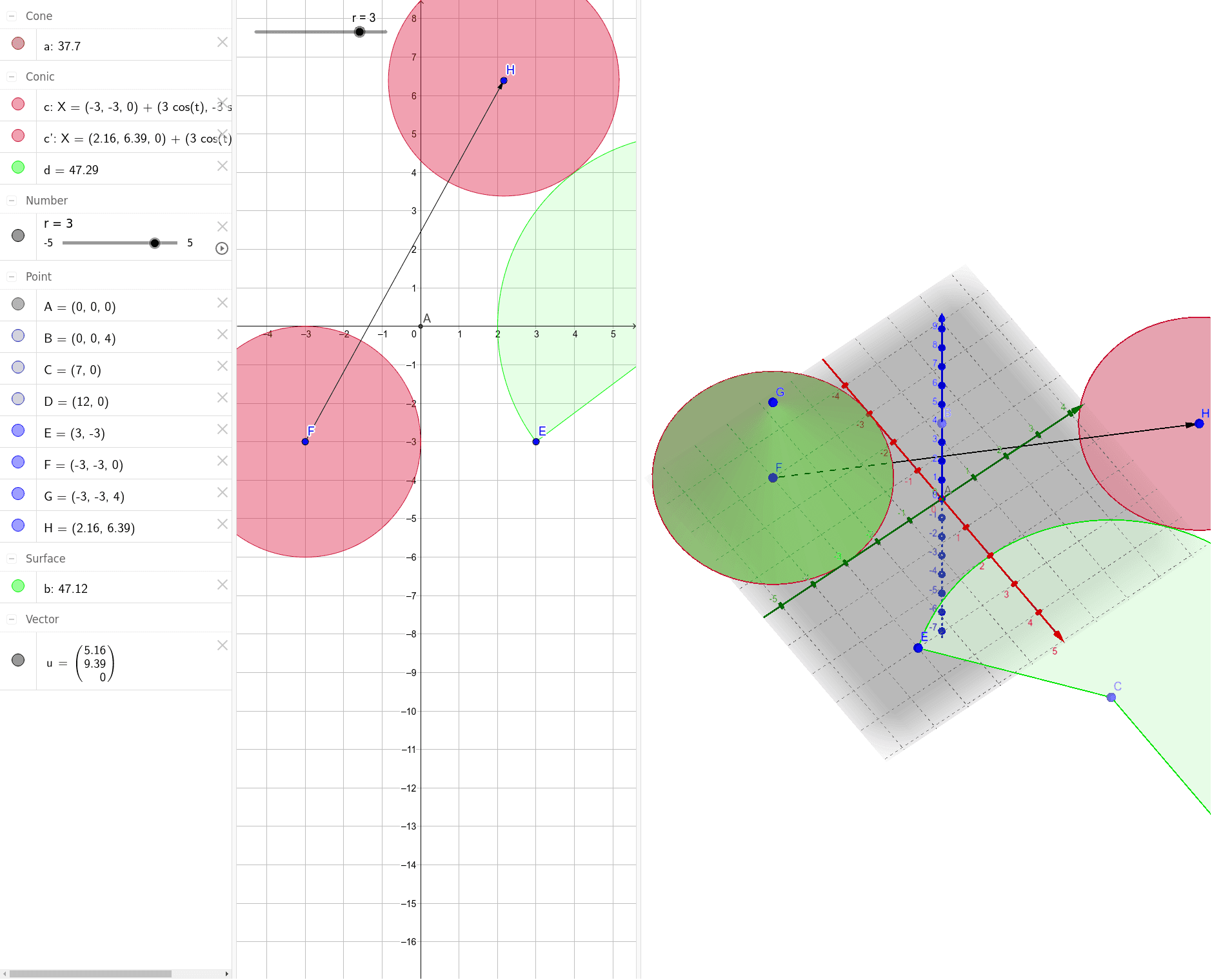
This example dynamically demonstrates the geometric properties of a cone, integrating stochastic processes and conditional probability to reveal the connection between geometry and probability & statistics. Core concepts include cone volume, random events, conditional probability, right triangles, upper and lower sums/Riemann sums, and perimeter calculation. Construction highlights the use of GeoGebra commands/objects like Intersect (intersection), Point (point), CircleSector (sector), Cone (cone), Vector (vector), and Translate (translation). Suitable for high school and above mathematics teaching, bridging probability & statistics with solid geometry.
GeoGebra Commands & Parameters
Intersect(zAxis, xAxis) → APoint(zAxis) → BPoint(xAxis) → CPoint(xAxis) → DCircleSector(C, D, E) → dCone(F, G, r) → a, c, bVector(F, H) → uTranslate(c, u) → c'
AI Drawing Prompt Reference
Draw a 3D coordinate system with a vertical z-axis and a horizontal x-axis. Place a point on the z-axis as the apex of a cone, and two points on the x-axis as the center and a rim point of the cone's base. Construct a circular base using the center and rim point, then connect the apex to the rim to form the cone's lateral surface. Add a random point inside or on the cone to represent a random event. Draw a vector from the apex to this random point, and translate this vector to a position on the cone's side to create a parallel segment. The overall figure illustrates the geometric connection between cone volume, stochastic processes, and conditional probability, highlighting right triangles and Riemann sums.
The prompt above was compiled from the original drawing commands and is for reference only.