
Cone and Cylinder by Brianna Barbone
Loading the math board and drawing, please wait…
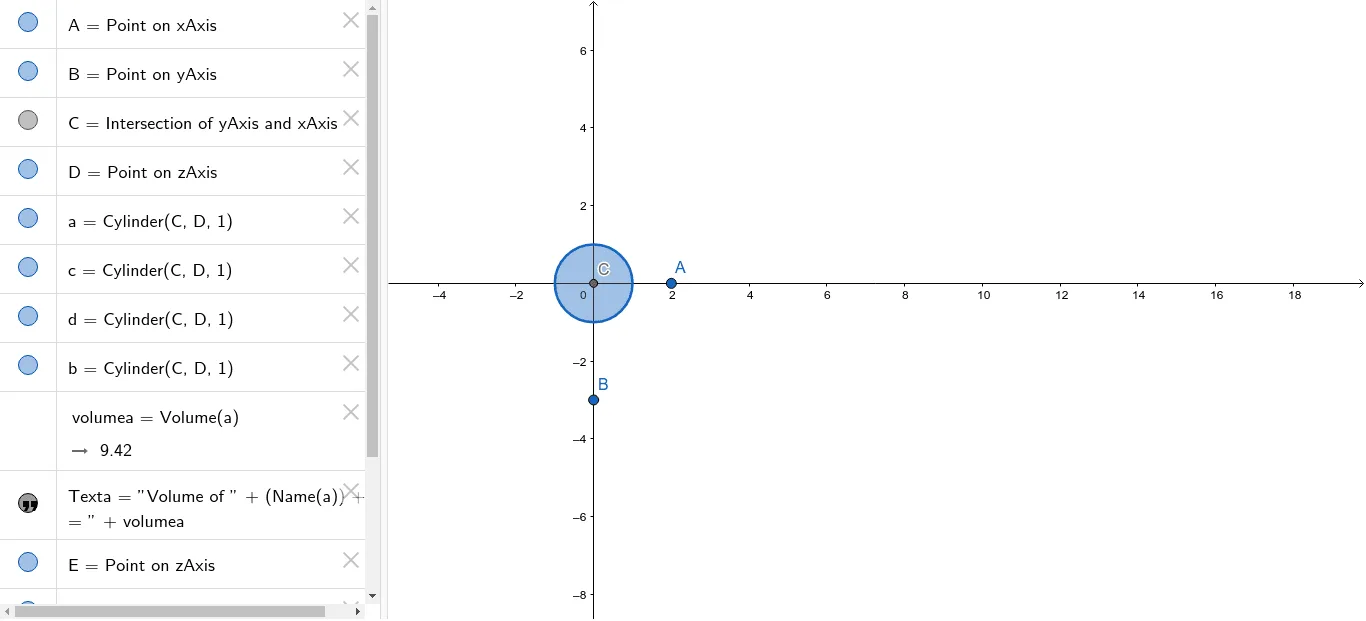
This example demonstrates the geometric shapes and relationships between a cone and a cylinder. It involves core mathematical concepts such as solid geometry, volume calculation, intersection points, and geometric construction. The construction uses GeoGebra commands and objects like Point, Intersect, Cylinder, Volume, and PointIn. Suitable for high school students learning about spatial geometry and properties of three-dimensional figures, or for mathematical exploration activities.
GeoGebra Commands & Parameters
Point(xAxis) → APoint(yAxis) → BIntersect(yAxis, xAxis) → CPoint(zAxis) → DCylinder(C, D, 1) → a, c, d, bVolume(a) → volumeaPointIn(b) → PointbPoint(zAxis) → EPoint(zAxis) → FCone(E, F, 1) → e, f, g
AI Drawing Prompt Reference
Draw a cone and a cylinder. Start by taking a point A on the x-axis and a point B on the y-axis. Then take points C and D on the z-axis, use C and D as the base center and apex to draw a cylinder a. Next, calculate the volume of cylinder a. Insert a point Pointb at B. Finally, take points E and F on the z-axis, use E and F as the base center and apex to draw a cone e.
The prompt above was compiled from the original drawing commands and is for reference only.