
Conditional Probability Interaction Demo
Loading the math board and drawing, please wait…
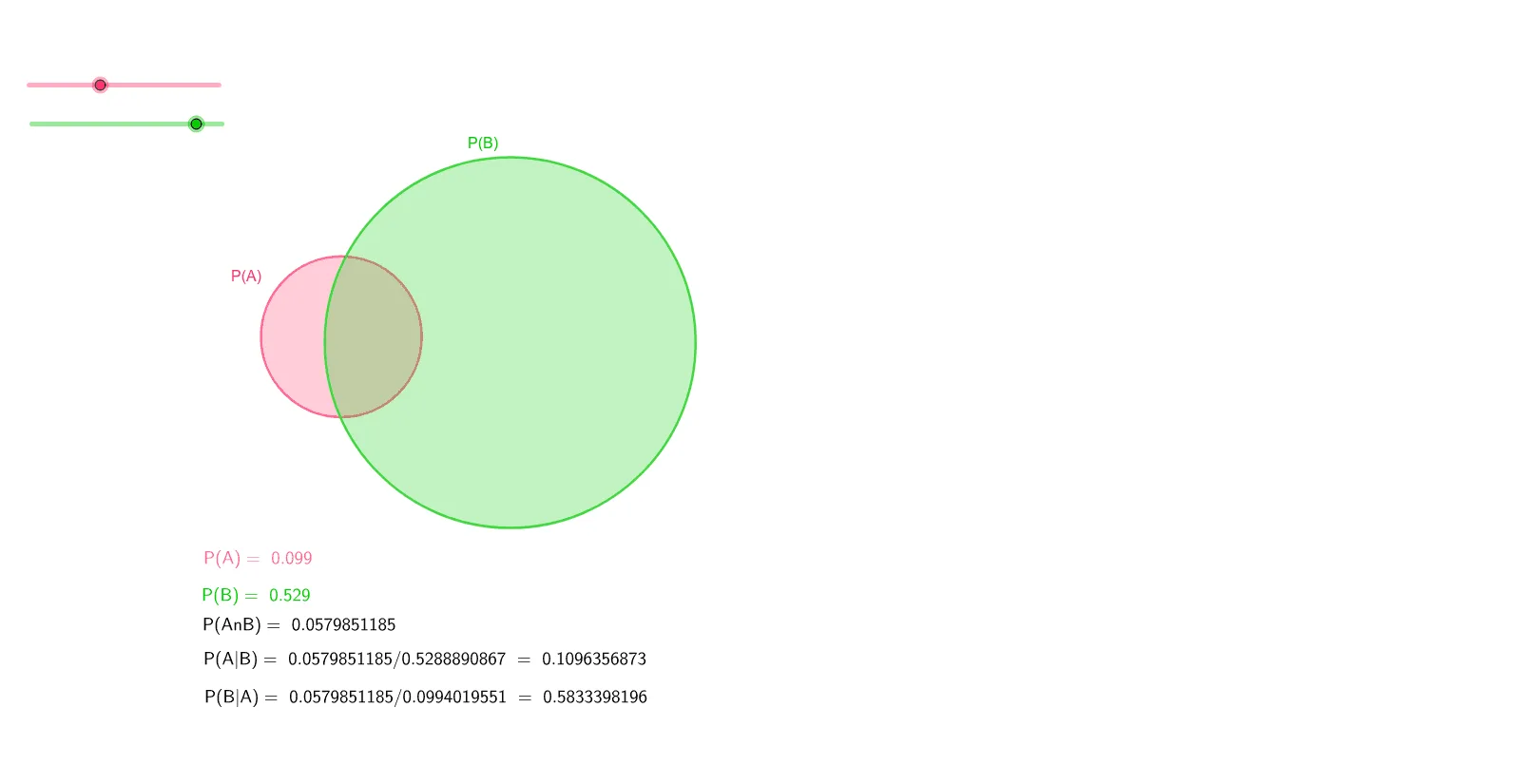
This example demonstrates the interaction between conditional probability and geometric shapes like ellipses and hyperbolas. It involves core math concepts including conditional probability, probability calculations, geometric properties of ellipses and hyperbolas, correlation, and addition rules. The construction utilizes GeoGebra commands and objects such as Circle, Area, PointIn, Intersect, CircleSector, and Distance. Suitable for high school and above students to explore the intersection of probability theory and geometry.
GeoGebra Commands & Parameters
Circle(A, α) → cCircle(B, β) → dArea(d) → bPointIn(d) → PointdArea(c) → ePointIn(c) → PointcCircle(C, γ) → hIntersect(d, h, 2) → DIntersect(d, h, 1) → ECircleSector(C, E, D) → kCircleSector(B, D, E) → pArea(k) → iPointIn(k) → Pointk_1Area(p) → jPointIn(p) → Pointp_1PointIn(p) → PointpPointIn(k) → PointkArea(h) → oPointIn(h) → PointhDistance(C, B) → distanceCBDistance(C, B) → CB
AI Drawing Prompt Reference
Draw two ellipses and two hyperbolas to demonstrate their interaction with conditional probability. Calculate and display the areas of the ellipses, and generate a random point inside one of them. Calculate the area of the hyperbola and generate a random point inside it as well. Find the intersection points between the ellipses and the hyperbola, and use them to draw sector regions. Calculate and display the areas of these sectors, and generate points inside them. Finally, calculate the area of the hyperbola and generate a point inside it.
The prompt above was compiled from the original drawing commands and is for reference only.