
Conditional Probability Interaction 3
Loading the math board and drawing, please wait…
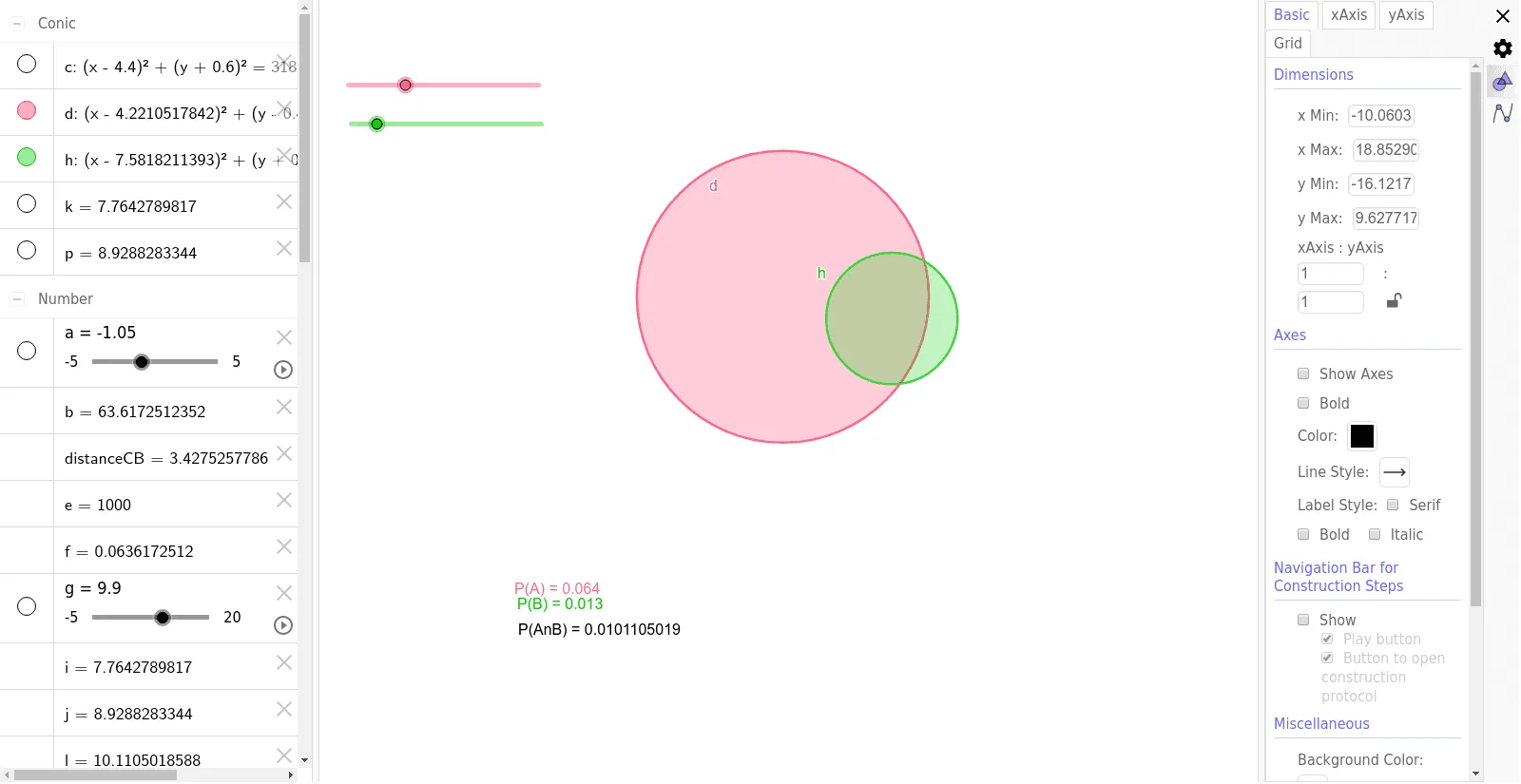
This example demonstrates the interactive process of conditional probability. It involves core concepts of probability theory and uses GeoGebra commands such as Circle, Area, PointIn, etc., for geometric construction. Suitable for high school mathematics education and students learning probability and statistics.
GeoGebra Commands & Parameters
Circle(A, α) → cCircle(B, β) → dArea(d) → bPointIn(d) → PointdArea(c) → ePointIn(c) → PointcCircle(C, γ) → hIntersect(d, h, 2) → DIntersect(d, h, 1) → ECircleSector(C, E, D) → kCircleSector(B, D, E) → pArea(k) → iPointIn(k) → Pointk_1Area(p) → jPointIn(p) → Pointp_1PointIn(p) → PointpPointIn(k) → PointkArea(h) → oPointIn(h) → PointhDistance(C, B) → distanceCBDistance(C, B) → CB
AI Drawing Prompt Reference
Draw two circles of different sizes, each with a point inside. Then draw a third circle that intersects the first two, marking the intersection points. Create sectors using the intersection points and the centers of the first two circles, and calculate the areas of these sectors and the circles. Mark points inside the sectors. Finally, calculate the distance between the two larger circles.
The prompt above was compiled from the original drawing commands and is for reference only.