
Composite Solid Demonstration
Loading the math board and drawing, please wait…
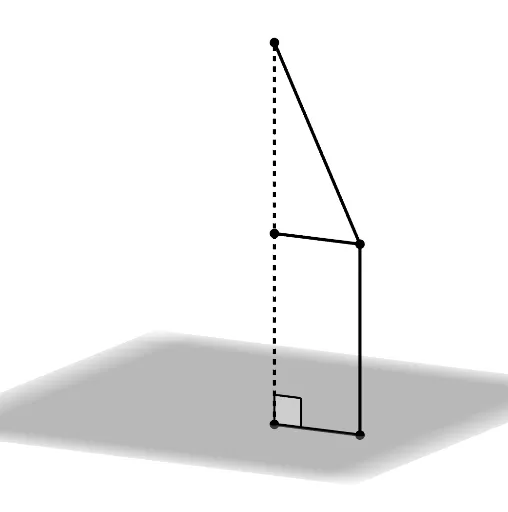
This example demonstrates the construction of composite solids through rotating line segments, visualizing surface areas and volumes. Core math concepts include solid geometry, integral calculus, right triangles, combinatorics, trigonometric functions, and bar graph representation. Construction highlights involve commands like Segment, Rotate, Surface, CurveCartesian, and Angle in GeoGebra to dynamically model and analyze the 3D shapes. Suitable for high school students and math enthusiasts exploring geometric constructions and calculus applications.
GeoGebra Commands & Parameters
Segment(A, C) → fSegment(C, D) → gRotate(A, spin, zAxis) → A'Rotate(C, spin, zAxis) → C'Segment(A', C') → f'Rotate(C, spin, zAxis) → C'_1Rotate(D, spin, zAxis) → D'Segment(C'_1, D') → g'Surface(f, spin, zAxis) → bSurface(g, spin, zAxis) → cCurveCartesian((r * cos(u)), (r * sin(u)), h, u, 0, spin) → aSegment((0, 0, 0), (0, 0, (2 * h))) → iAngle(D', E, A') → αSegment(E, D') → jSegment(B, C'_1) → k
AI Drawing Prompt Reference
Draw a composite solid formed by rotating line segments, showcasing its surface area and volume. Start by drawing two line segments, then rotate them around the z-axis to create new segments. Next, generate two rotation surfaces using the rotated segments and draw a circular solid of revolution. Finally, add a vertical line, an angle measurement, and connecting lines between specific points to complete the visualization of the composite solid.
The prompt above was compiled from the original drawing commands and is for reference only.