
Completing the Square Practice
Loading the math board and drawing, please wait…
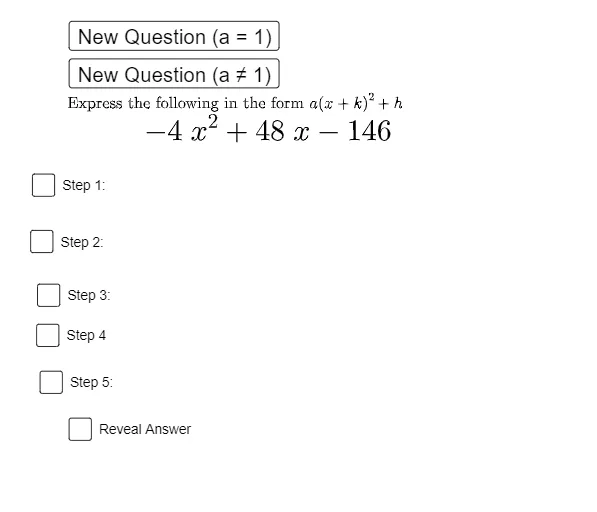
This example demonstrates the transformation of a quadratic function into vertex form using the method of completing the square, visually showing the translation of the function graph. Core mathematical concepts include quadratic functions, completing the square, vertex form, and function graph transformations. The construction leverages GeoGebra commands like If and Expand, with objects such as sliders (c, a, h, k), functions (f, g), text elements (text1, text2, etc.), and buttons for interactive exploration. It is suitable for high school students practicing completing the square and understanding function graph transformations, as well as introductory calculus education.
GeoGebra Commands & Parameters
If(c ≟ 1, 1, RandomElement[{-4, -3, -2, -1, 2, 3, 4}]) → aIf(a ≟ 1, (x - k)^(2) + h, (a * (x - k)^(2)) + h) → fExpand(f) → gIf(a > 0, "min", "max") → minmax
AI Drawing Prompt Reference
Draw the graph of a quadratic function, showing the transformation into vertex form using completing the square, with original and transformed function graphs in different colors, controlled by sliders for a, h, k, and c, labeled with vertex points and min/max values, and include text explaining the completing square steps to observe graph translations and transformations.
The prompt above was compiled from the original drawing commands and is for reference only.