
Commutative Law of Addition - Dynamic Visualization
Loading the math board and drawing, please wait…
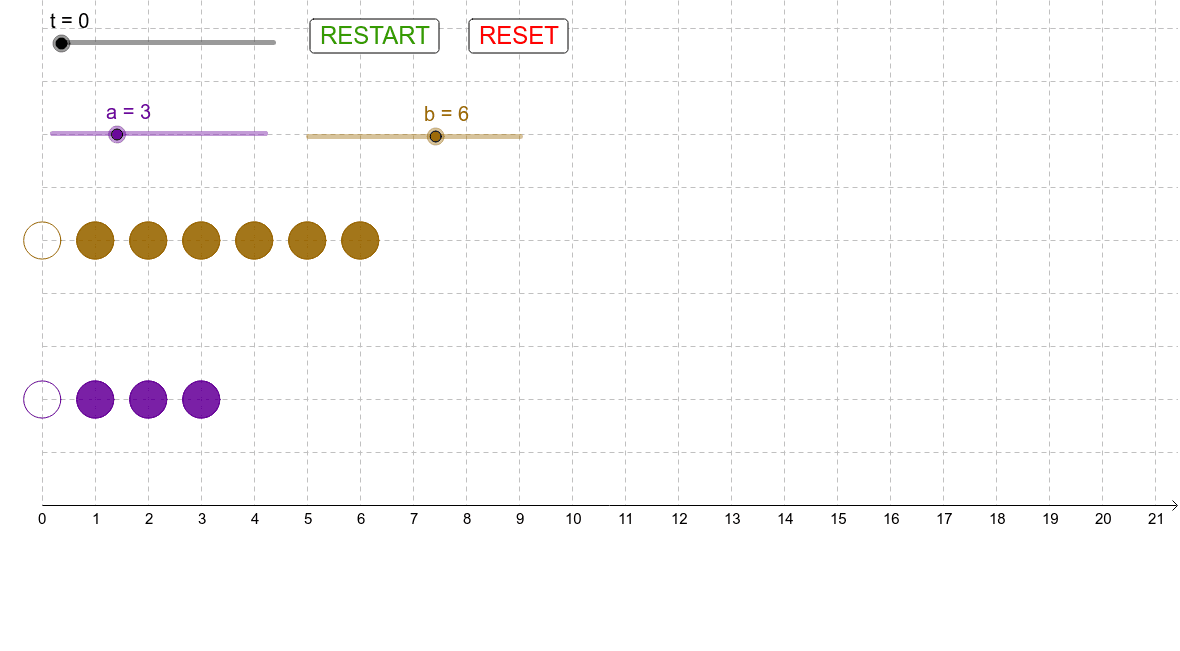
This GeoGebra example demonstrates the commutative law of addition through an animated visual: when two numbers are added, swapping their order does not change the sum. The core mathematical concept is the commutative property of addition, a fundamental arithmetic rule. The construction uses GeoGebra commands such as Circle and Sequence to generate dynamic point sequences, sliders (t) to control animation progress, vectors (AtoBend, BtoAend) to represent the movement paths of the two addends, and buttons (button1, button2) to trigger the animation. Text objects (text1, text2) display the resulting sum. This resource is suitable for upper elementary or early middle school students learning addition properties, and can also serve as a classroom demonstration tool for teachers to visually explain the commutative law.
GeoGebra Commands & Parameters
Circle(A, r) → cSequence(Circle[A + (j, 0), r], j, 1, a) → list1Circle(B, r) → dSequence(Circle[B + (j, 0), r], j, 1, b) → list2Sequence(Circle[(x(A), 0) + (j, 0) + AtoBend, r], j, 1, a) → list3Sequence(Circle[(x(B), 0) + (j, 0) + BtoAend, r], j, 1, b) → list4
AI Drawing Prompt Reference
Create a dynamic visualization of the commutative law of addition with two movable points A and B that can move horizontally. When A and B swap positions, their sum remains unchanged. Use circles to represent the movement paths of A and B, control the distance with a slider, and display the final sum.
The prompt above was compiled from the original drawing commands and is for reference only.