
Common Notion 4 GeoGebra Example
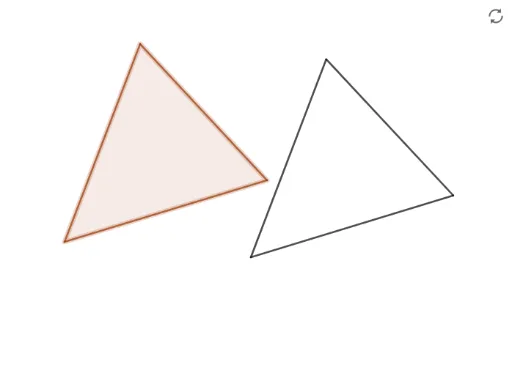
Loading the math board and drawing, please wait…
In collections
Basic Constructions
This example demonstrates how to use GeoGebra to construct polygons, calculate distances and angles, perform rotations and reflections, and more. Core mathematical concepts include variance, prism, multiplication, reflection, and piecewise functions. Construction highlights involve commands and objects like Polygon, Distance, Angle, Point, Segment, Rotate, Line, Intersect. Suitable for high school students and mathematics educators.
GeoGebra Commands & Parameters
Polygon(A, B, C) → t1, c, a, bDistance(C, B) → distanceCBAngle(C, B, A) → αAngle(A, C, B) → βPoint(Circle[D, distanceCB]) → ESegment(D, E) → fRotate(E, α, D) → E'Angle(E, D, E') → γRotate(D, (-β), E) → D'Angle(D', E, D) → δLine(D, E') → gLine(E, D') → hIntersect(g, h) → FSegment(F, D) → iSegment(F, E) → j
AI Drawing Prompt Reference
Draw a polygon and calculate the distance between two points and the angle between them. Get a point on a circle centered at one point with the distance as the radius. Connect the center to this point and rotate it around the center by a certain angle to get a new point. Rotate the center around the other point by a certain angle to get a new center. Draw lines through the center and the point on the circle, and through the point and the rotated point, intersecting at a point. Connect this point back to the original center to form a new shape.
The prompt above was compiled from the original drawing commands and is for reference only.