
Tangent Circle Through Two Points
Loading the math board and drawing, please wait…
In collections
Basic Constructions
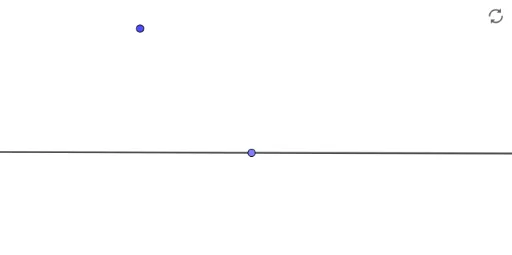
This example demonstrates how to construct a circle that passes through two given points and is tangent to a given line, a classic geometric construction problem. The core mathematical concepts involve the tangent property of a circle (radius perpendicular to tangent), the condition that the distance from the center to each point equals the radius, and the use of geometric loci to determine the center. The construction uses the Line command to create a reference line and the Point command to mark two target points A and B; then auxiliary lines (such as perpendicular bisectors or angle bisectors) are used to locate the center C, and a circle is drawn with center C and radius equal to the distance to the tangent point. This example is suitable for middle or high school geometry lessons on tangents, loci, and compass-and-straightedge constructions, and can be used for dynamic exploration of how the number and position of solutions vary with the configuration.
GeoGebra Commands & Parameters
Line(A, B) → fPoint(f) → C
AI Drawing Prompt Reference
Draw a horizontal reference line and place two fixed points above it. Construct a circle that passes through both points and is tangent to the line. The circle's center must lie on the perpendicular bisector of the segment connecting the two points, and the distance from the center to the line must equal the distance from the center to either point. Adjust the point positions to observe how the number and location of possible circles change.
The prompt above was compiled from the original drawing commands and is for reference only.