
Common Misconception 1
Loading the math board and drawing, please wait…
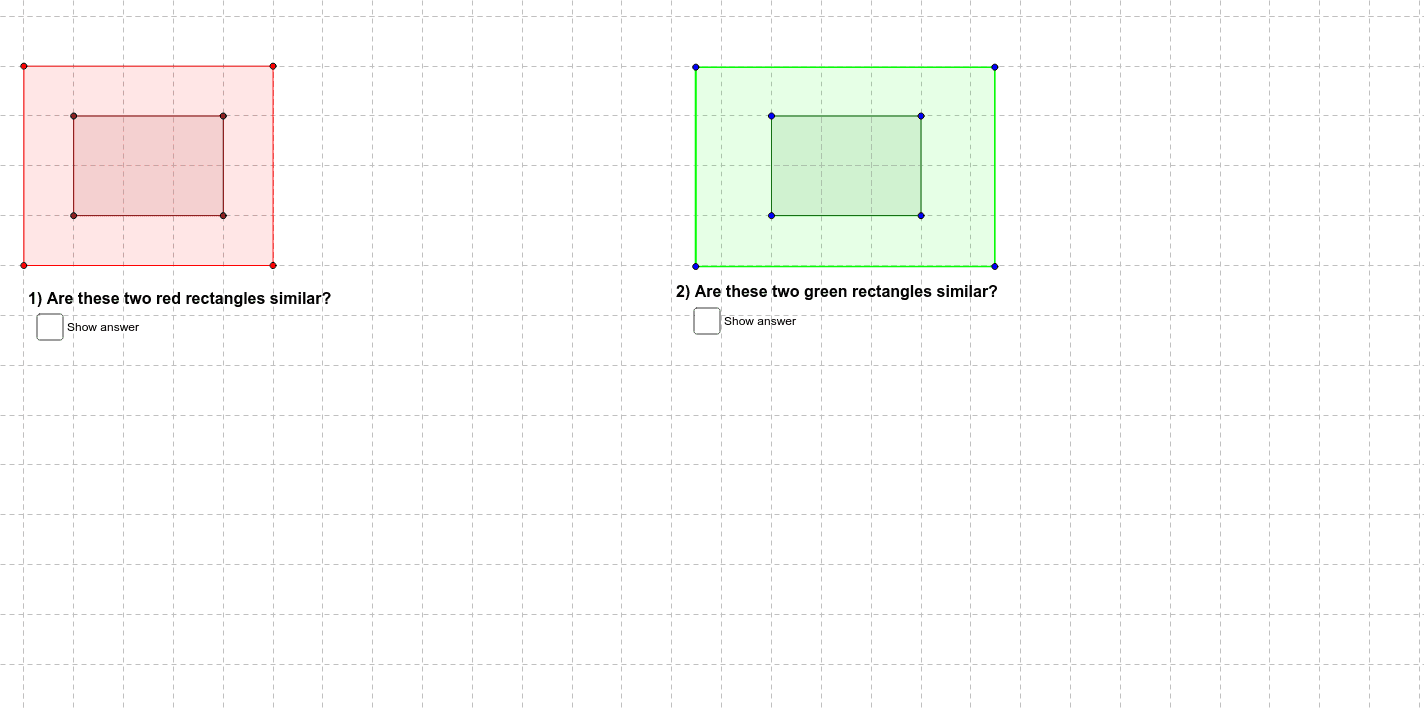
This example illustrates a common geometric misconception, involving circles, polygons, and transformations. Using GeoGebra commands such as Polygon and Dilate, it demonstrates how to construct and transform geometric figures. Suitable for middle school and above students learning about geometric transformations and related concepts.
GeoGebra Commands & Parameters
Polygon(A, B, C, D) → poly1, a, b, c, dPolygon(E, F, G, H) → poly2, e, f, g, hLine(E, A) → iLine(F, B) → jLine(H, D) → kLine(C, G) → lPolygon(I, J, K, L) → poly3, i_1, j_1, k_1, l_1Dilate(I, 2, M) → I'Dilate(J, 2, M) → J'Dilate(K, 2, M) → K'Dilate(L, 2, M) → L'Polygon(I', J', K', L') → poly3', i', j', k', l'Line(I', I) → nLine(L', L) → pPoint(l_1) → NSegment(N, O) → qPoint(k_1) → PPoint(k') → QSegment(P, Q) → rPoint(j_1) → RPoint(j') → SSegment(R, S) → sPoint(i_1) → TPoint(i') → USegment(T, U) → tPoint(a) → VPoint(e) → WSegment(V, W) → a_1Point(b) → ZPoint(f) → A_1Segment(Z, A_1) → b_1Point(c) → B_1Point(g) → C_1Segment(B_1, C_1) → c_1Point(d) → D_1Point(h) → E_1Segment(D_1, E_1) → d_1Line(K', I) → e_1Line(J', L') → f_1
AI Drawing Prompt Reference
Draw two squares ABCD and EFGH, connect their corresponding vertices, then enlarge these squares with point M as the center. Draw the diagonals of the enlarged square IJKL, connect the midpoints of these diagonals, then draw the diagonals of the new square I'J'K'L', connect the midpoints of these diagonals, and finally draw all the segments and connect corresponding points.
The prompt above was compiled from the original drawing commands and is for reference only.