
Combining a Cone and a Cylinder
Loading the math board and drawing, please wait…
In collections
学习 GeoGebra 经典应用
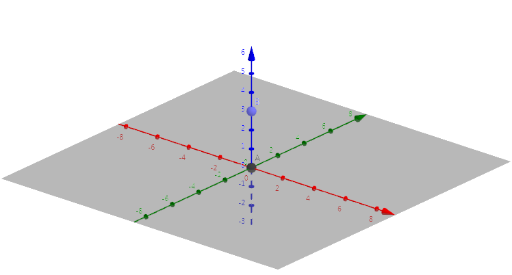
This example demonstrates how to use GeoGebra to combine a cone and a cylinder to build a tower. The key mathematical concept is the volume calculation in solid geometry. The construction involves using the Intersect command to determine the intersection points. Suitable for students at the junior high school level and above.
GeoGebra Commands & Parameters
Intersect(zAxis, yAxis) → APoint(zAxis) → B
AI Drawing Prompt Reference
Draw a tower-like solid by combining a cone and a cylinder. Use a vertical z-axis and a y-axis, create a key point at their intersection, and place another reference point on the z-axis. Use these axes and points as the construction basis to assemble a cone together with a cylinder so they connect to form the overall tower shape, focusing on the solid-geometry context for volume calculation.
The prompt above was compiled from the original drawing commands and is for reference only.