
Combining a Cone and a Cylinder by GeoGebra Team
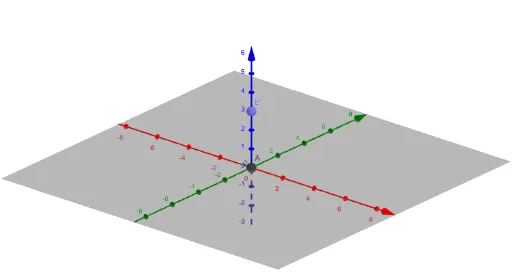
Loading the math board and drawing, please wait…
In collections
Learn GeoGebra Classic
This example demonstrates how to use GeoGebra to combine a cone and a cylinder to build a tower. The core mathematical concepts involved are solid geometry. By using the Intersect command, precise intersection points between the two geometric bodies can be determined. Suitable for middle school and above students or teachers for teaching and learning solid geometry.
GeoGebra Commands & Parameters
Intersect(zAxis, yAxis) → APoint(zAxis) → B
AI Drawing Prompt Reference
Draw a tower-like shape formed by combining a cone and a cylinder, showing how they merge. First, identify the precise intersection points between the cone and the cylinder by locating the point where the Z-axis meets the Y-axis, then use this point to help determine the intersection of the cone and cylinder, resulting in a clear solid geometric composite.
The prompt above was compiled from the original drawing commands and is for reference only.