
Combinatorics Probability Example
Loading the math board and drawing, please wait…
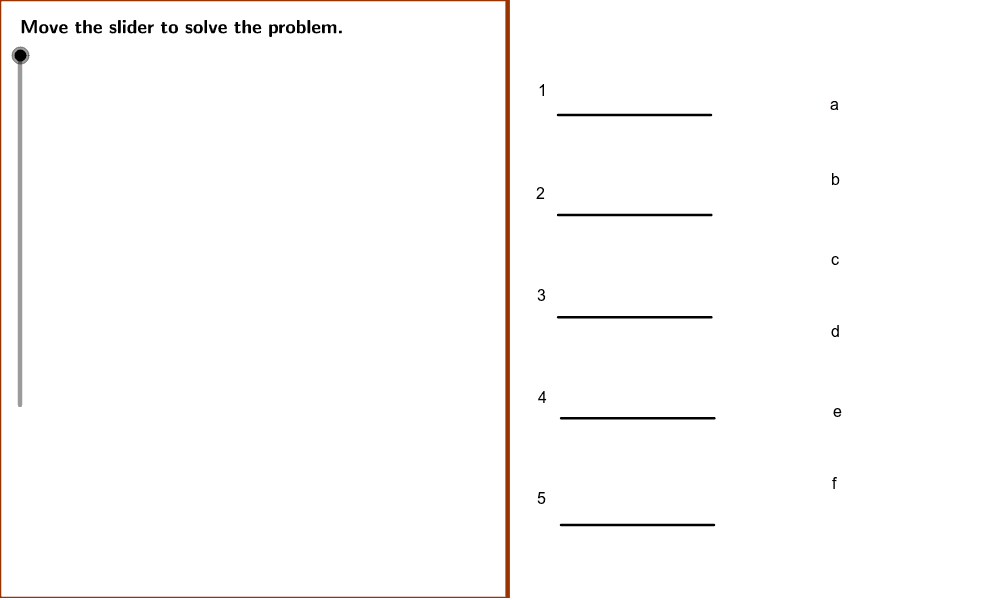
This example demonstrates how to calculate the probability of filling in 5 blanks with 6 answer choices in a fill-in-the-blank exam question, involving core concepts like combinations and probability calculations. It uses GeoGebra commands such as Polygon, Line, Segment, and Textfield for construction, suitable for high school students learning combinatorics and probability statistics.
GeoGebra Commands & Parameters
Polygon((instructionEdge, y(Corner[1])), (instructionEdge, y(Corner[3])), Corner[4], Corner[1]) → instruction, e, g, h, iLine((x(Corner[1]) + ((2 * indent) * screenwidth), 0), yAxis) → align1Line((x(Corner[1]) + ((3 * indent) * screenwidth), 0), yAxis) → align2Line((x(Corner[1]) + ((4 * indent) * screenwidth), 0), yAxis) → align3Segment(A, B) → aSegment(C, D) → bSegment(E, F) → cSegment(G, H) → dSegment(I, J) → fTextfield(questions) → inputBox1Textfield(extraAnswers) → inputBox2
AI Drawing Prompt Reference
Draw a probability calculation example for a fill-in-the-blank question, featuring a hexagon representing six answer choices, three horizontal line segments below for alignment, internal segments connecting vertices of the hexagon, and two text boxes for inputting the question and extra answers.
The prompt above was compiled from the original drawing commands and is for reference only.