
Circumference and Area of a Circle by Matt Whiteway
Loading the math board and drawing, please wait…
In collections
Circle (Basics, Area, Circumference, Properties)
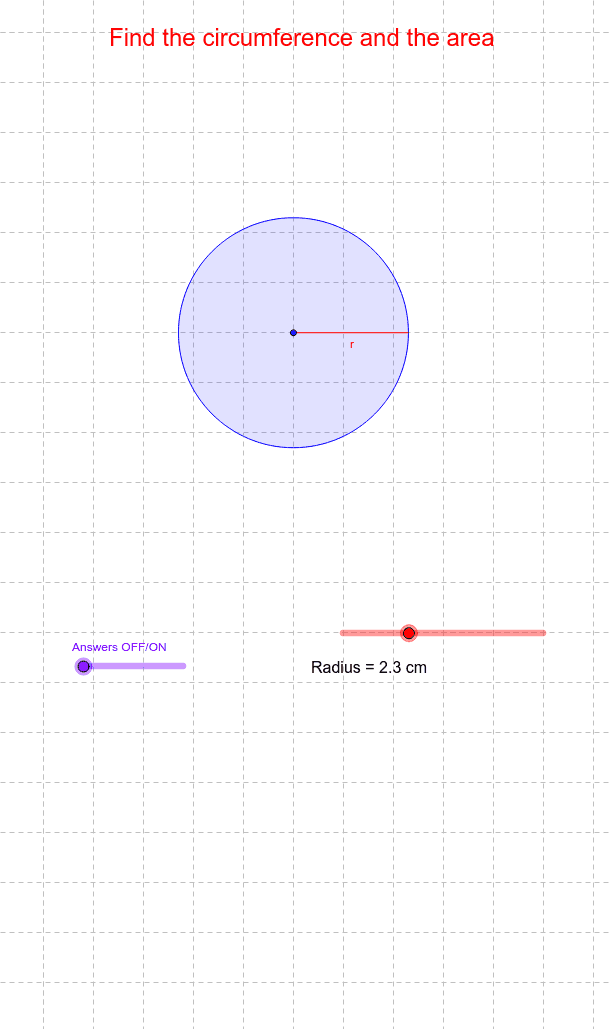
Explore the changes in the circumference and area of a circle by adjusting the radius. This example covers basic properties of circles and uses GeoGebra commands such as points, segments, and circles for geometric construction. Suitable for middle school and above students to learn about circle concepts.
GeoGebra Commands & Parameters
Point(Circle[A, abs(r_1)]) → BSegment(A, B) → rCircle(A, B) → cPoint(Circle[C, abs(r_1)]) → DSegment(C, D) → bSegment(A, C) → dSegment(B, D) → ePoint(Circle[C, 0.1]) → ESegment(C, E) → fPoint(Circle[D, 0.1]) → FSegment(D, F) → gMidpoint(b) → G
AI Drawing Prompt Reference
Draw a circle with a slider to adjust the radius, showing the relationship between radius, diameter, circumference, and area. Start by drawing the center and radius, then the diameter and the circle itself. Next, draw two line segments from the center to the circumference and mark their intersection points. Finally, draw the perpendicular bisectors of these segments and find their intersection point as the center.
The prompt above was compiled from the original drawing commands and is for reference only.