
Circles and Ellipses: Dynamic Construction and Geometric Exploration
Loading the math board and drawing, please wait…
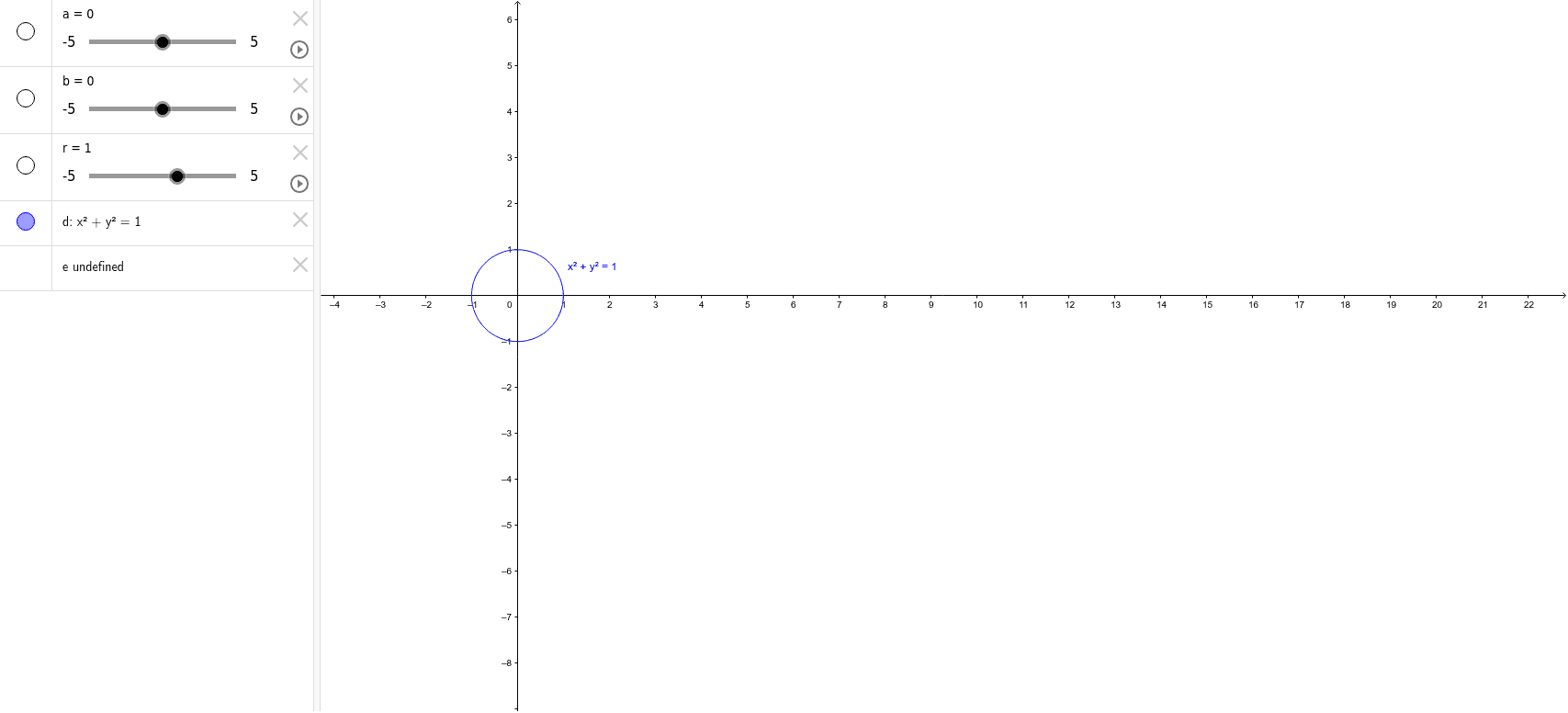
This GeoGebra example demonstrates the geometric relationship between circles and ellipses through dynamic construction, allowing users to adjust parameters to see how a circle transforms into an ellipse via stretching or compression. It also incorporates concepts such as the unit circle, definite integrals, and Poisson distribution, linking pure geometry with calculus and probability. The core mathematical concepts include the definition of a circle, the standard equation of an ellipse, the unit circle's connection to trigonometric functions, definite integrals for area calculation, and the Poisson distribution's geometric representation. The construction uses GeoGebra objects a, b, r, d, and e, where a and b likely control the semi-major and semi-minor axes of the ellipse, r is the circle's radius, and d and e may define translations or scaling transformations. By manipulating these parameters via sliders or input fields, learners can observe how the shape evolves. This resource is suitable for high school and university students studying analytic geometry, introductory calculus, and probability, as well as for teachers demonstrating the unified nature of conic sections and parametric representations.
GeoGebra Commands & Parameters
Numeric a(0)Numeric b(0)Numeric r(1)(x - a)^(2) + (y - b)^(2) = r(x / a)^(2) + (y / b)^(2) = 1
AI Drawing Prompt Reference
Draw a dynamic geometric figure showing the transformation between a circle and an ellipse. Start with a circle whose center can be moved on the coordinate plane and whose radius is adjustable, defined by the equation that the squared distance from the center equals the radius. Then add an ellipse centered at the origin with adjustable semi-major and semi-minor axes, defined by the standard equation where the squared coordinates divided by the respective axes sum to one. Use sliders to change the center position, radius, and axis lengths, and observe how the circle stretches or compresses into an ellipse. Also incorporate the unit circle's link to trigonometric functions, the concept of definite integrals for area, and a geometric representation of the Poisson distribution, connecting pure geometry with calculus and probability.
The prompt above was compiled from the original drawing commands and is for reference only.