
Circle - Center and Radius
Loading the math board and drawing, please wait…
In collections
The GeoGebra's Toolbox for Teachers and Students
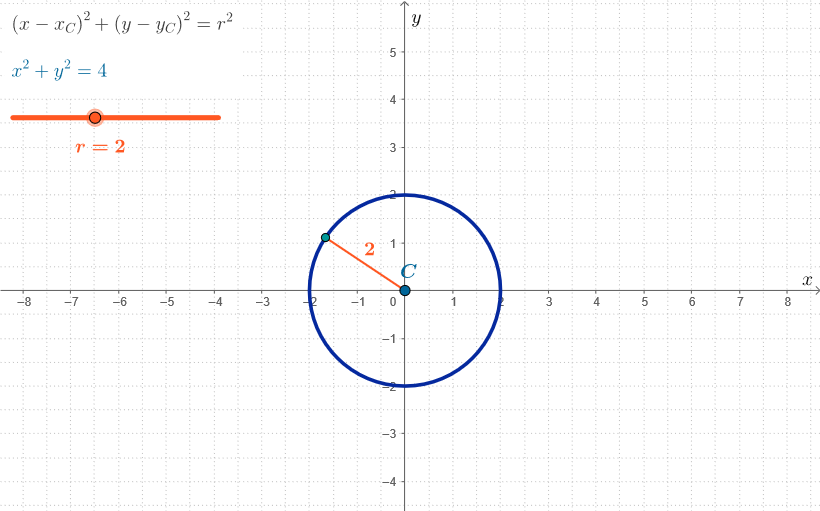
An interactive circle for teaching and learning. Demonstrates the basic properties of a circle, including the concepts of center and radius. Using GeoGebra commands such as Circle, Segment, Corner, and Point, the construction process is dynamically shown. Suitable for middle school and above students learning geometry.
GeoGebra Commands & Parameters
Circle(C, r) → cSegment(C, XC) → fSegment(C, YC) → gCorner(5) → dimsPoint(c) → RSegment(C, R) → radSegm
AI Drawing Prompt Reference
Draw a circle with its center near the coordinate origin. From the center, draw line segments extending toward the x-axis and y-axis, creating a cross-shaped reference. Pick a point on the circle and connect it to the center, forming a radius segment. The entire figure should clearly demonstrate the relationship between the center, the radius, and a point on the circle.
The prompt above was compiled from the original drawing commands and is for reference only.