
Checking Quadratic Inequalities
Loading the math board and drawing, please wait…
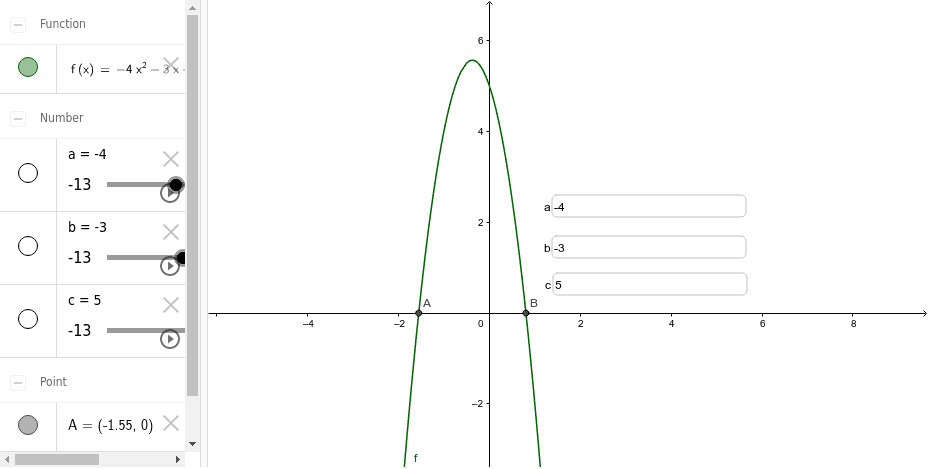
This example demonstrates how to check quadratic inequalities using GeoGebra. It involves core mathematical concepts such as quadratic functions, solution sets of inequalities, and transformations of function graphs. Key construction points include using the Textfield command to display inequalities, the Intersect command to find intersection points, and interactive inputs and graphical plotting using objects a, b, c, f, InputBox1, InputBox2, InputBox3, A, B. Suitable for high school mathematics teaching, helping students understand the geometric meaning and solution steps of quadratic inequalities.
GeoGebra Commands & Parameters
Textfield(a) → InputBox1Textfield(b) → InputBox2Textfield(c) → InputBox3Intersect(f, xAxis, 1) → AIntersect(f, xAxis, 2) → B