
Check if it's an Equilateral Triangle
Loading the math board and drawing, please wait…
In collections
Geometry with Coach Suzzette
This example demonstrates how to use GeoGebra to check if a triangle is equilateral by calculating side lengths and angles. Core concepts include the definition of an equilateral triangle, distance measurement, and angle measurement. Construction involves using Point and Segment commands. Suitable for middle school and above students to learn properties of equilateral triangles and for geometric construction lessons.
GeoGebra Commands & Parameters
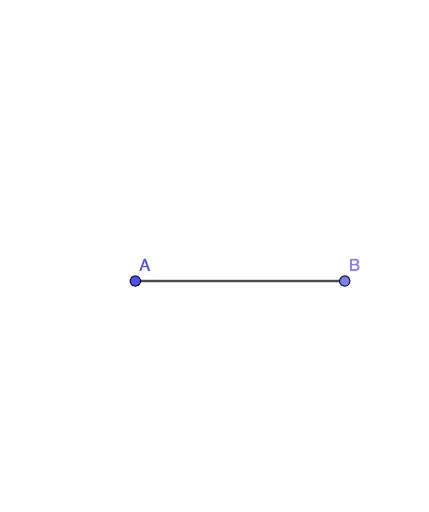
Point(Circle[A, 4.5]) → BSegment(A, B) → f
AI Drawing Prompt Reference
Draw a diagram to check if a triangle is equilateral. Start by placing a point as the first vertex of the triangle. Then draw a circle centered at this point with a radius of 4.5 units. Pick any point on the circle as the second vertex, and connect the two vertices with a straight line segment to form one side of the triangle. The figure should include the circle, the segment, and the two points, which will be used later to measure side lengths and angles to verify if the triangle is equilateral.
The prompt above was compiled from the original drawing commands and is for reference only.