
Charged Sphere
Loading the math board and drawing, please wait…
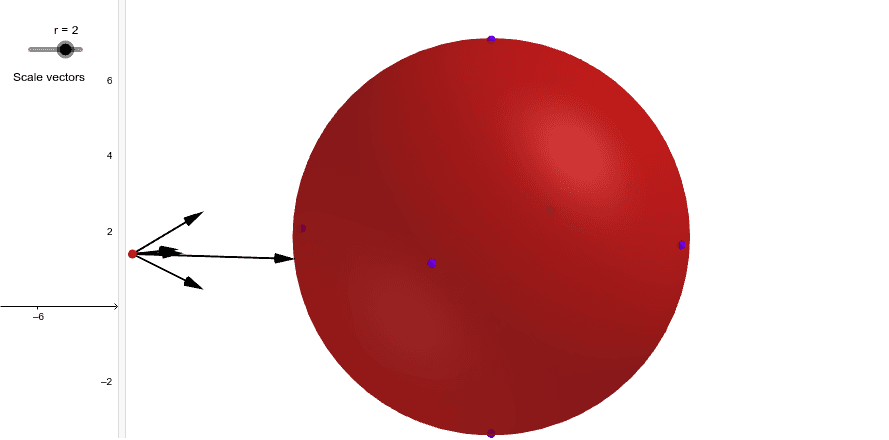
This example demonstrates the geometric construction of a charged sphere. Key mathematical concepts include spheres, volume, and charge distribution. Using GeoGebra commands such as Intersect, Sphere, and Segment, dynamic exploration of the intersection points between the sphere and other geometric objects is possible. Suitable for high school physics and mathematics education, aiding students in understanding charge distribution and geometric constructions.
GeoGebra Commands & Parameters
Intersect(zAxis, yAxis) → ASphere(A, 1) → aIntersect(zAxis, a, 2) → BSegment(B, H) → fIntersect(yAxis, a, 1) → CIntersect(xAxis, a, 2) → DIntersect(yAxis, a, 2) → EIntersect(xAxis, a, 1) → FSphere(H, r / f^(2)) → bIntersect(f, b, 1) → IVector(H, I) → uPoint(yAxis) → GSegment(G, H) → gSphere(H, r / g^(2)) → cIntersect(g, c, 1) → JVector(H, J) → vSegment(D, H) → hSphere(H, r / h^(2)) → dIntersect(h, d, 1) → KVector(H, K) → wSegment(E, H) → iSphere(H, r / i^(2)) → eIntersect(i, e, 1) → LVector(H, L) → jSegment(H, F) → kSphere(H, r / k^(2)) → lIntersect(k, l, 2) → MVector(H, M) → mPoint(zAxis) → NSegment(H, N) → nSphere(H, r / n^(2)) → oIntersect(n, o, 2) → OVector(H, O) → pVector(H, P) → s