
Candy Bar Template
Loading the math board and drawing, please wait…
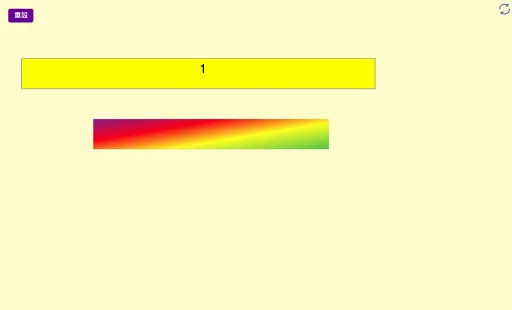
This example demonstrates how to use GeoGebra to draw a candy bar shape and label related attributes. It involves core math concepts like fractions, rational numbers, bar charts, isosceles triangles, perimeter, and spheres. Construction highlights include using commands like Polygon, Text, and whole. Suitable for middle school mathematics teaching, introducing geometric construction and data analysis.
GeoGebra Commands & Parameters
Polygon(A, B, C, D) → poly1, a, b, c, dText("\frac{1}{12}", Centroid[poly1] + (-8, 0.75), true, true) → text1whole(F) → G, f, g, h, i, q1
AI Drawing Prompt Reference
Draw a shape resembling a candy bar consisting of a parallelogram formed by four points, label the fraction 1/12 below its centroid, and include a structure generated from point F involving multiple points and segments to illustrate geometric construction and data analysis concepts.
The prompt above was compiled from the original drawing commands and is for reference only.