
Calculating Area of a Parallelogram
Loading the math board and drawing, please wait…
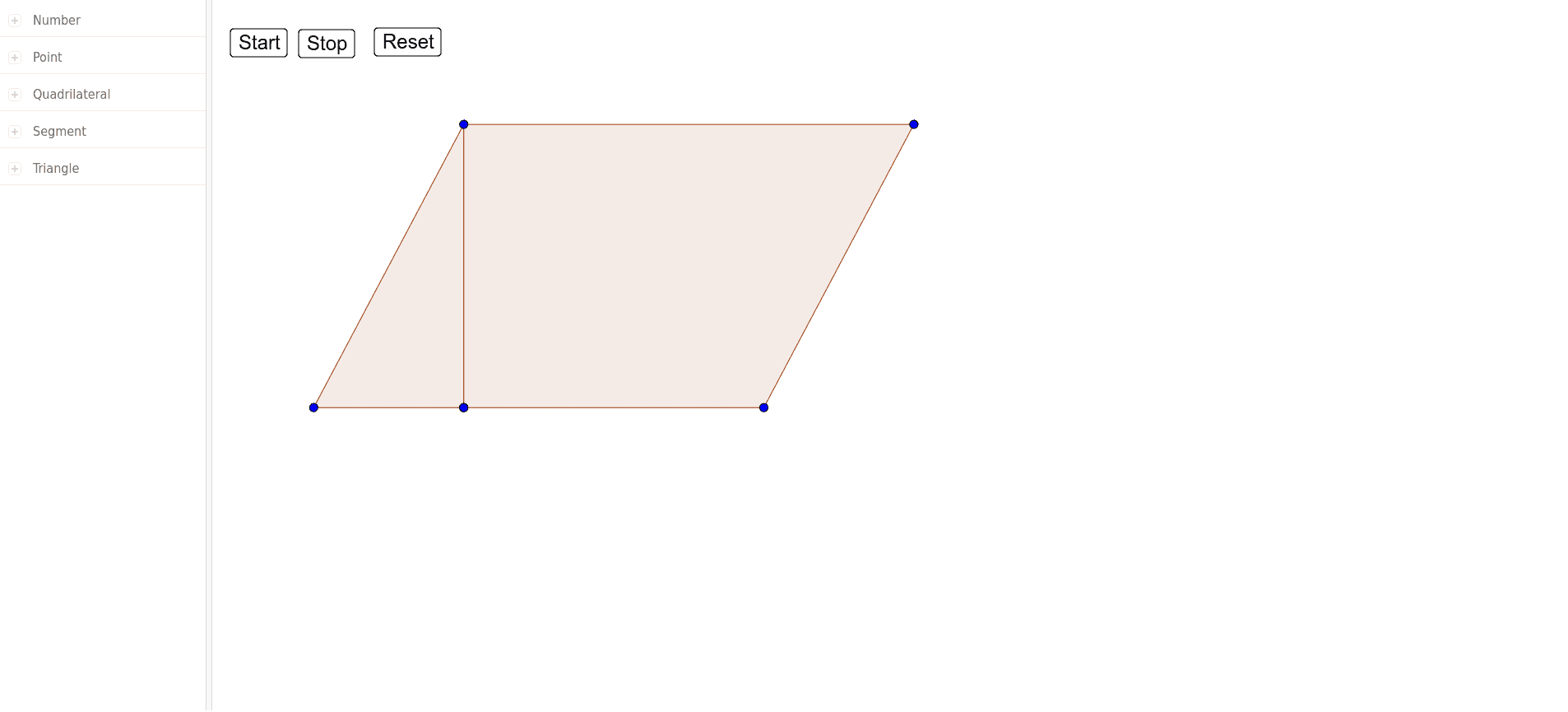
This example demonstrates how to calculate the area of a parallelogram by constructing it and dividing it into triangles. Key math concepts include parallelogram properties, triangle area formula, and vector cross product. Construction highlights involve using Polygon command to create shapes, objects like a, A, b, B, c, C for vertices, and poly1, poly2 for polygons, along with helper points D, E, F, G. Suitable for middle school students and above learning parallelogram area formulas and geometric constructions.
GeoGebra Commands & Parameters
Polygon(A, B, C) → poly1, c_1, a_1, b_1Polygon(F, G, D, E) → poly2, f, g, d, e
AI Drawing Prompt Reference
Draw a parallelogram and divide it into two triangles. First, create the parallelogram using points A, B, and C. Then, create an auxiliary triangle using points F, G, D, and E. Make sure the base of the parallelogram is defined by points A and B, and the height is determined by point C.
The prompt above was compiled from the original drawing commands and is for reference only.