
Butterfly Curve by Adrienne Wood
Loading the math board and drawing, please wait…
In collections
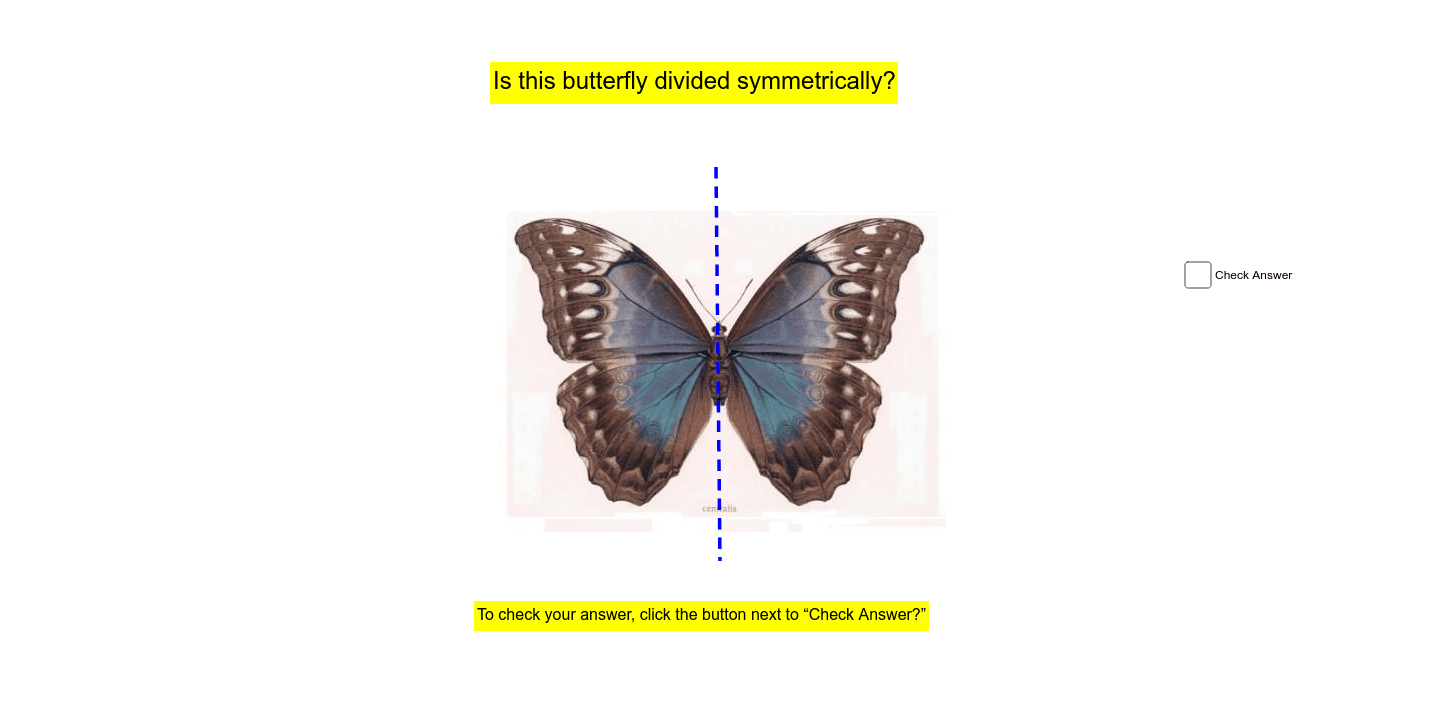
Lines of Symmetry in Two-Dimensional Shapes and Images
This example demonstrates the process of drawing a butterfly curve. It involves the concepts of parametric equations and loci. Using GeoGebra commands like Segment, a beautiful butterfly shape can be constructed. Suitable for high school mathematics education and students learning parametric equations.
GeoGebra Commands & Parameters
Segment(C, D) → a
AI Drawing Prompt Reference
Draw a butterfly curve using parametric equations. First, define the range of parameter t, then use the ParametricCurve command to draw the curve. Next, connect specific points on the curve to form the butterfly's wing shapes.
The prompt above was compiled from the original drawing commands and is for reference only.