
Box Volume
Loading the math board and drawing, please wait…
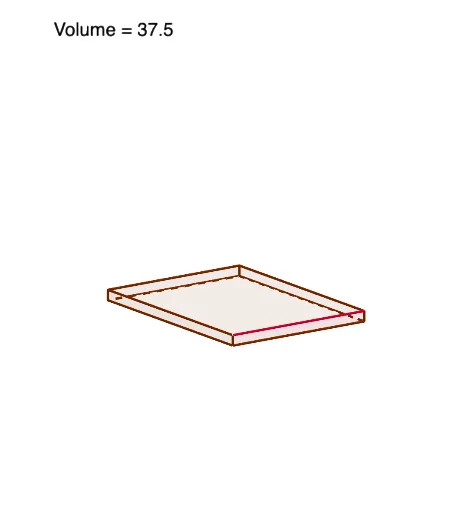
This example demonstrates how to calculate the volume of a box by adjusting its length, width, and height. Key mathematical concepts include volume formulas and linear functions. Using GeoGebra commands such as Polygon and OrthogonalLine, the construction process of the box is visually demonstrated. Suitable for middle school and above students to learn geometry and function concepts.
GeoGebra Commands & Parameters
Polygon(pts) → sheetOrthogonalLine(P, xAxis) → gIntersect(g, xAxis) → ASegment(P, A) → hOrthogonalLine(P, yAxis) → iIntersect(i, yAxis) → BSegment(P, B) → jPolygon((a, a, 0), (a, a, a), (W - a, a, a), (W - a, a, 0)) → front, k, l, m, nPolygon((W - a, a, 0), (W - a, a, a), (W - a, L - a, a), (W - a, L - a, 0)) → rightSide, p, q, r, sPolygon((W - a, L - a, 0), (W - a, L - a, a), (a, L - a, a), (a, L - a, 0)) → back, t, b, c, dPolygon((a, L - a, 0), (a, L - a, a), (a, a, a), (a, a, 0)) → leftSide, e, f_1, g_1, h_1Polygon((a, a, 0), (W - a, a, 0), (W - a, L - a, 0), (a, L - a, 0)) → bottom, i_1, j_1, k_1, l_1Segment((a, 0), (W - a, 0)) → m_1
AI Drawing Prompt Reference
Draw a rectangular box and adjust its length, width, and height to calculate the volume. Start by drawing the bottom rectangle, then draw the four sides and the top. Use segments and orthogonal lines to define the box's boundaries.
The prompt above was compiled from the original drawing commands and is for reference only.