
Box Volume Calculation by Janet Bowers
Loading the math board and drawing, please wait…
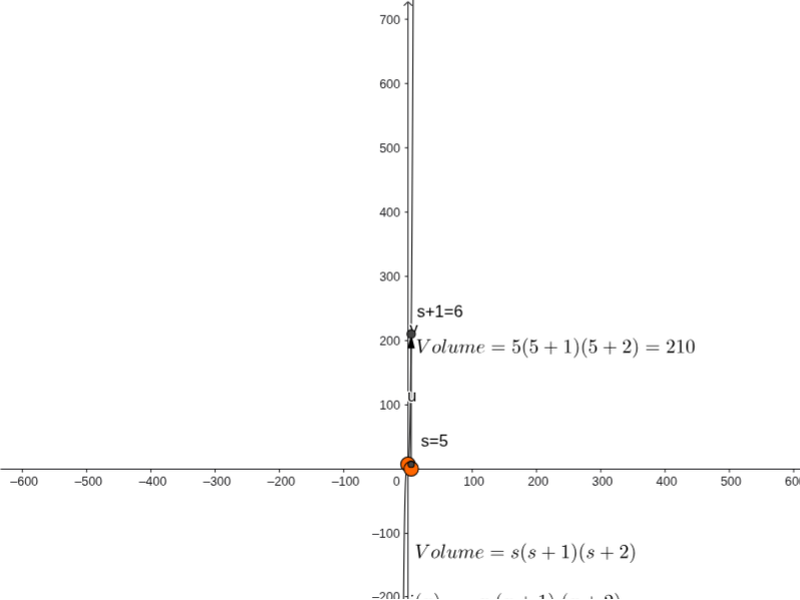
This example demonstrates how to construct a box and calculate its volume using GeoGebra. It involves core mathematical concepts such as volume calculation, triangles, confidence intervals, curve sketching, LCM and GCD, and parallelograms. Key GeoGebra commands used include Point, OrthogonalLine, Intersect, Polygon, Prism, and Vector. Suitable for high school mathematics teaching, this example provides an intuitive visualization of volume calculations and related concepts in solid geometry.
GeoGebra Commands & Parameters
Point(xAxis) → JOrthogonalLine(A, xAxis) → aOrthogonalLine(C, yAxis, xOyPlane) → bIntersect(b, a) → EPolygon(C, D, A, E) → poly1, c, d, a_1, ePrism(poly1, z(B)) → f, F, edgeCF, edgeDG, edgeAH, edgeEI, edgeFG, edgeGH, edgeHI, edgeFI, G, H, I, faceCDGF, faceADGH, faceAEIH, faceCEIF, faceFGHIVector(J, Volume) → uVector(Volume, (0, y(Volume))) → v
AI Drawing Prompt Reference
Draw a prism formed by a triangle to demonstrate volume calculation. Start by plotting a point on the x-axis, then draw perpendicular lines to create intersection points with the x-axis and y-axis. Connect these points to form the triangular base. Extend the base along the z-axis to create the prism, and label the volume vector. Finally, draw two perpendicular vectors originating from the volume point, one pointing towards the x-axis and the other towards the y-axis.
The prompt above was compiled from the original drawing commands and is for reference only.