
Bisecting a Line Segment
Loading the math board and drawing, please wait…
In collections
Geometry Constructions Lines and Angles
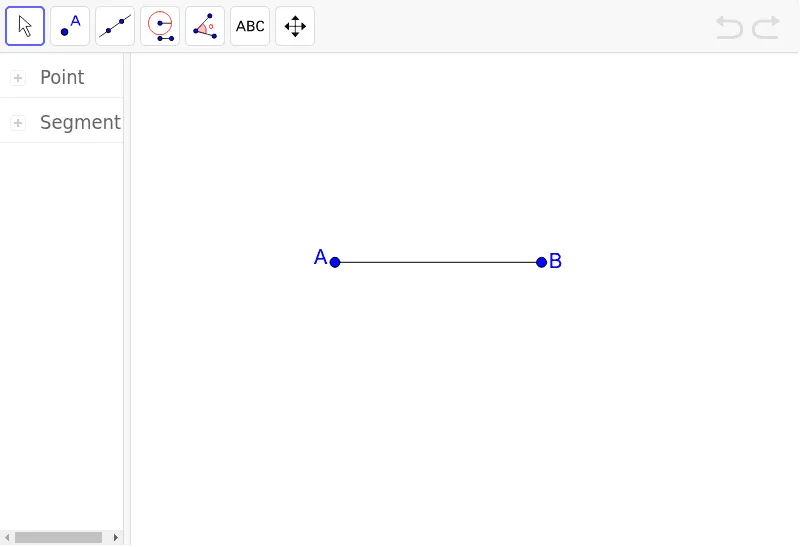
① This example demonstrates how to precisely bisect a given line segment AB in GeoGebra, locating its midpoint and constructing the perpendicular bisector. ② The core mathematical concepts include the definition of a segment midpoint, properties of perpendicular bisectors, and fundamental principles of geometric construction, involving symmetry and equidistance. ③ Construction highlights: Based on the construction summary, the Segment command is used to create segment AB (with endpoints A and B, and segment a), and geometric relationships (such as equal-radius arcs) determine the midpoint, illustrating an interactive object-based workflow in GeoGebra. ④ This is suitable for middle school geometry lessons or introductory geometric construction, helping students understand segment bisection and laying groundwork for studying triangle medians and perpendicular bisector properties.
GeoGebra Commands & Parameters
Segment(A, B) → a
AI Drawing Prompt Reference
Place two fixed points A and B on a plane and draw the line segment AB between them. Then determine the midpoint of segment AB by using a geometric construction based on equal-distance (equidistance) from the endpoints. Finally, construct the perpendicular bisector of AB: draw the line that passes through the midpoint and is perpendicular to AB, capturing the symmetry property that points on the bisector are equidistant from A and B.
The prompt above was compiled from the original drawing commands and is for reference only.