
Inscribed Square
Loading the math board and drawing, please wait…
In collections
Geometry Constructions: Figures
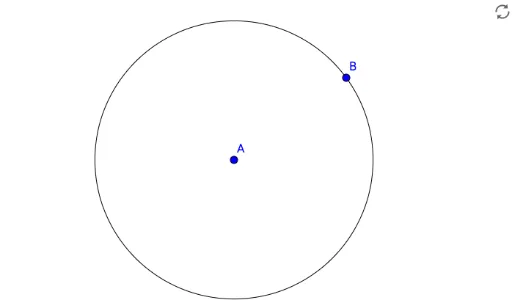
This example demonstrates how to construct an inscribed square within a given circle. Key mathematical concepts include geometric construction and coordinate geometry. The Circle command is used to create the circle, and objects A and B define the diameter, leading to the construction of the inscribed square. Suitable for middle school and above students to learn about geometric construction and properties of circles.
GeoGebra Commands & Parameters
Circle(A, B) → c
AI Drawing Prompt Reference
Draw a circle with A and B as the endpoints of its diameter. Then construct a square inside the circle. First, connect A and B to form the diameter, and then create a square with A and B as opposite vertices.
The prompt above was compiled from the original drawing commands and is for reference only.