
Bisect an Angle with Compass and Straightedge
Loading the math board and drawing, please wait…
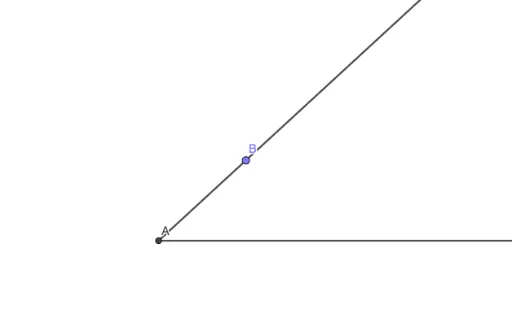
This GeoGebra example demonstrates the classic compass-and-straightedge construction for bisecting an angle. The core mathematical concept is the angle bisector theorem, where every point on the bisector is equidistant from the two sides of the angle)Skip. The construction uses a ray tool to define the two sides of the angle, then a circle tool centered at the vertex to mark two intersection points on the sides. From those points, two equal-radius circles are drawn; their intersection gives a point on the bisector. Finally, a line tool connects the vertex to that intersection to produce the angle bisector. Key GeoGebra commands include Line, Intersect, Point, Circle, and Ray, with objects such as vertex A, rays f and g, auxiliary circles c and h, and intersection points X, Y, V, W. This is ideal for middle school geometry lessons or self-study, helping learners visualize the logical steps of classical geometric construction.
GeoGebra Commands & Parameters
Line(T, U) → fLine(X, Y) → gIntersect(f, g) → APoint(f) → VCircle(A, V) → cPoint(c) → BPoint(f) → WRay(A, W) → hRay(A, B) → i
AI Drawing Prompt Reference
Draw two intersecting lines with their intersection as the vertex of an angle. Pick a point on one line and draw a circle centered at the vertex with radius equal to the distance to that point, marking where the circle meets both lines. Choose another point on the other line, then draw two rays from the vertex to this point and to the circle-line intersection, forming the angle sides. Next, using the two circle-line intersection points as centers, draw two circles of equal radius; their intersection gives a point on the bisector. Finally, draw a line from the vertex through this intersection point to complete the angle bisector.
The prompt above was compiled from the original drawing commands and is for reference only.