
Basic Translation: Translating Polygons by Vectors
Loading the math board and drawing, please wait…
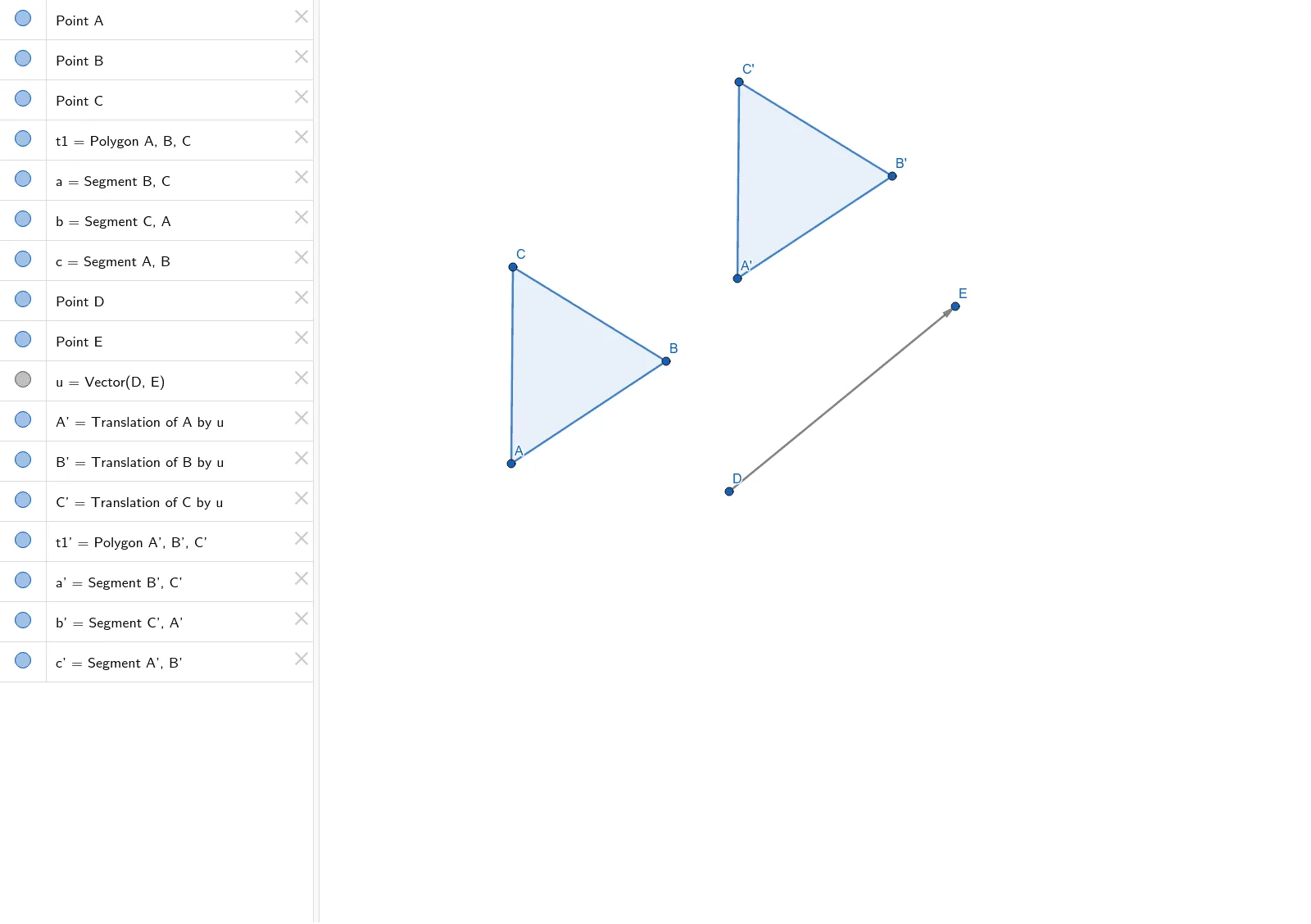
This GeoGebra example demonstrates the fundamental concept of translation in plane geometry by moving a triangle using a vector. It visually shows that the translated figure is congruent to the original, with corresponding points connected by parallel and equal segments. The core mathematical concepts include vectors, translation transformations, and congruence. The construction uses the Polygon command to create triangle ABC, the Vector command to define translation vector u, and the Translate command to shift the entire triangle, its sides, vertices, and interior region, producing the image triangle A'B'C' with corresponding sides a', b', c'. The original figure and vector are retained for comparison. This example is suitable for middle school geometry lessons or introductory high school vector studies, helping students grasp the geometric meaning of translation and its vector representation, and can be used for dynamic demonstrations that translation preserves shape and size.
GeoGebra Commands & Parameters
Polygon(A, B, C) → t1, c, a, bVector(D, E) → uTranslate(A, u) → A'Translate(B, u) → B'Translate(C, u) → C'Polygon(A', B', C') → t1', c', a', b'