
Axis-Aligned Ray to Line Segment Intersection (No Division)
Loading the math board and drawing, please wait…
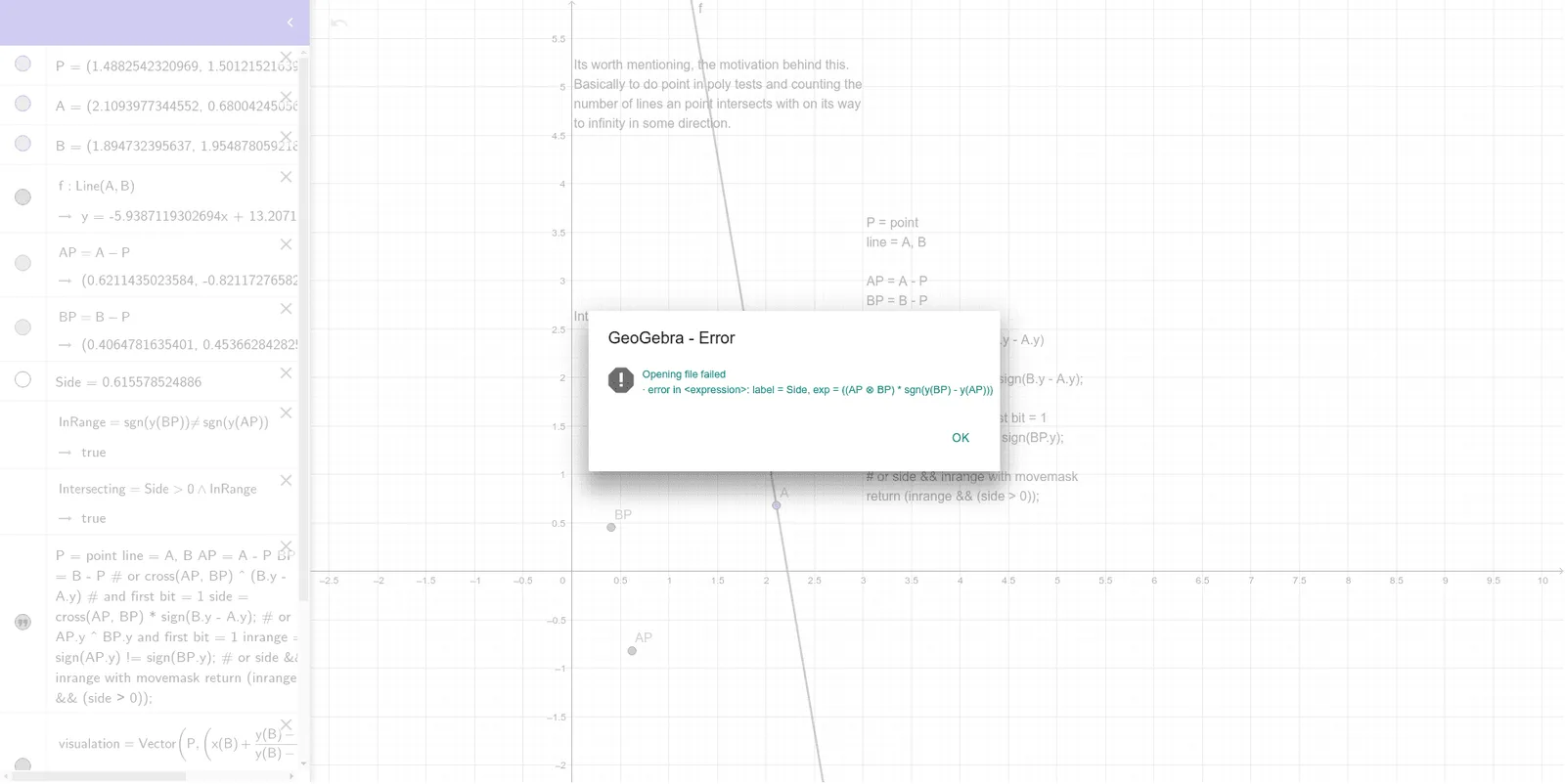
① This example demonstrates how to determine whether an axis-aligned ray (a ray parallel to a coordinate axis) intersects a given line segment, without using any division operation, and visualizes the result. ② Core mathematical concepts include ray-segment intersection in analytic geometry, parametric representation, interval comparison, and numerical stability achieved by avoiding division. ③ Construction details: Using GeoGebra commands Line, Vector, and If, the ray and segment are defined with points P, A, B; vectors AP and BP are used for direction; logical checks via Side, InRange, and Intersecting implement the division-free intersection condition; text1, text2, text3 display outcomes, and visualation provides visual feedback. ④ Suitable for high school or college courses in analytic geometry, computer graphics fundamentals, or algorithm teaching, emphasizing numerical robustness and efficiency.
GeoGebra Commands & Parameters
Line(A, B) → fVector(P, (x(B) + ((y(B) - y(P)) / (y(B) - y(A)) * (x(A) - x(B))), y(P))) → visualationIf(Intersecting, "Intersecting: True", "Intersecting: False") → text1
AI Drawing Prompt Reference
Draw an axis-aligned ray and a line segment to show whether they intersect without using division. The ray is parallel to a coordinate axis, and the segment is defined by two points. Use vectors for the ray's direction and logical checks with interval comparisons to determine intersection, displaying the result in text. The visualization should emphasize numerical stability achieved by avoiding division, suitable for teaching geometric construction and algorithm efficiency.
The prompt above was compiled from the original drawing commands and is for reference only.