
Triangle Line Segment Intersection Visualization
Loading the math board and drawing, please wait…
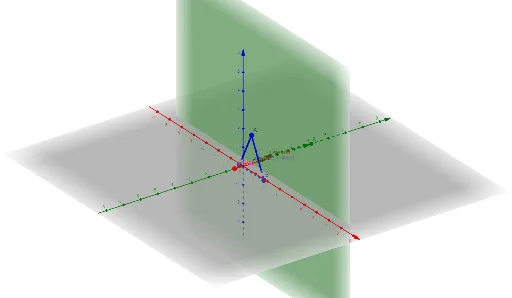
This example demonstrates the intersection points between line segments and a triangle's vertices, edges, altitudes, and circumcircle. It involves core mathematical concepts like line segment intersections, orthocenter, circumcircle, limits, cuboid, and set theory. The construction uses commands such as Vector, Segment, and objects like text1, LineStart, LineEnd, LineVisualHint, A, B, C, ABVisualHint, BCVisualHint, CAVisualHint, N, NVisualHint, d, Interval, IntersectionPoint. It is suitable for high school and above students to understand geometric intersections and spatial relationships.
GeoGebra Commands & Parameters
Vector(LineStart, LineEnd) → LineVisualHintSegment(A, B) → ABVisualHintSegment(B, C) → BCVisualHintSegment(C, A) → CAVisualHintVector((A + B + C) / 3, N) → NVisualHint
AI Drawing Prompt Reference
Draw a triangle and display its three sides, vertices, altitudes, and circumcircle. Then, mark the centroid and circumcenter, and show the line segments from the centroid to the feet of the altitudes. Finally, differentiate these geometric elements with different colors or styles to clearly illustrate their relationships and positions.
The prompt above was compiled from the original drawing commands and is for reference only.