
Area vs. Perimeter Dynamic Demonstration
Loading the math board and drawing, please wait…
In collections
Measurement
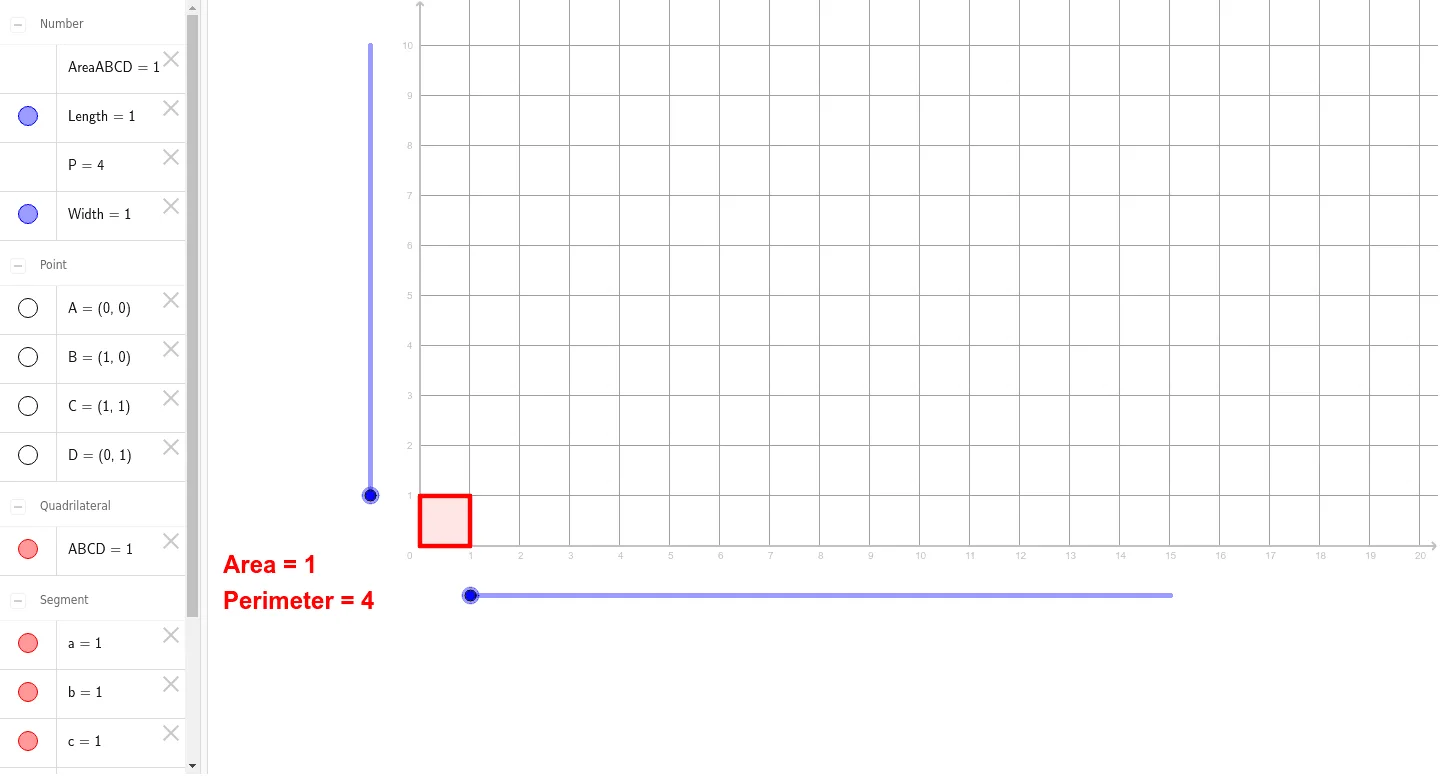
This example demonstrates the calculation of area and perimeter for geometric shapes using GeoGebra. Key mathematical concepts include polygon area formulas, rectangle perimeter calculations, and parametric graph transformations. Construction involves using commands like Point, Polygon, Perimeter, Area along with objects such as Length, Width, A, B, C, D to parameterize shapes. Suitable for middle school students learning geometric fundamentals or for math teaching demonstrations.
GeoGebra Commands & Parameters
Point({0, 0}) → APoint({Length, 0}) → BPoint({Length, Width}) → CPoint({0, Width}) → DPolygon(A, B, C, D) → ABCD, a, b, c, dPerimeter(ABCD) → PArea(ABCD) → AreaABCD
AI Drawing Prompt Reference
Draw a rectangle defined by four vertices, with two adjacent sides determined by adjustable length and width parameters. Start from the bottom-left corner, extend horizontally by the length, then vertically by the width, and connect the four vertices to form a closed rectangular outline. Label the perimeter and area values on or near the shape, where perimeter equals twice the length plus twice the width, and area equals length times width. The figure should clearly show how the side lengths relate to the parameters, and highlight the numerical comparison between perimeter and area for educational demonstration of geometric formulas.
The prompt above was compiled from the original drawing commands and is for reference only.