
Area Triangle 2
Loading the math board and drawing, please wait…
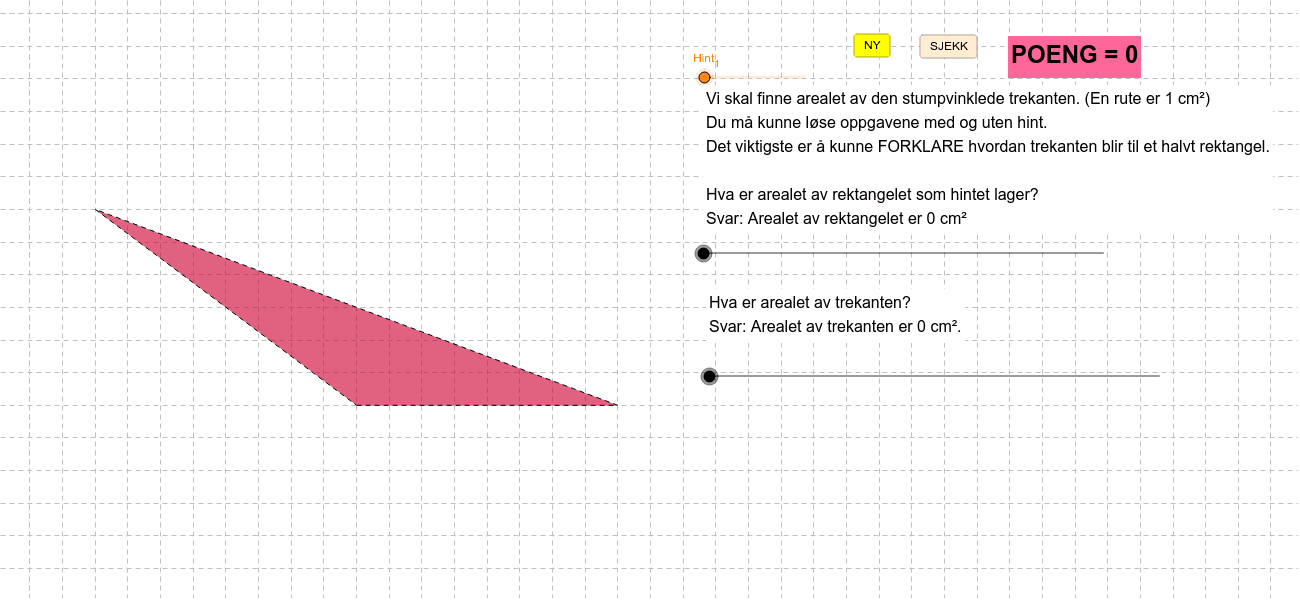
This example demonstrates how to calculate the area covered by a triangle's path. It involves core math concepts like area, difference and slope, standard deviation, planes, division, and translation. Construction uses commands such as Intersect, Polygon, Midpoint, Rotate, OrthogonalLine, and Segment. Suitable for high school mathematics teaching, focusing on geometric transformations and area calculations.
GeoGebra Commands & Parameters
Intersect(xAxis, yAxis) → APolygon(A, B_1, C_2) → Mangekant1, c_2, a, b_1Midpoint(a) → CRotate(C_2, (-α), C) → D_1Rotate(A, (-α), C) → D_4Rotate(B_1, (-α), C) → E_1OrthogonalLine(A, c_2) → bIntersect(b, a) → DPolygon(E_1, D_4, D_1) → Mangekant2, d_1, e_1, d_4Polygon(A, D, B_1) → Mangekant3, b_2, a_1, dPolygon(B_1, D_4, B, D) → Mangekant4, b_3, d_2, b_4, d_3Polygon(E_3, E_4, E_2) → Mangekant5, e_2, e_3, e_4Polygon(E_5, E_4, E_3) → Mangekant6, e_5, e_6, e_7Segment(A, B_1) → eSegment(B_1, C_2) → fSegment(C_2, A) → g
AI Drawing Prompt Reference
Draw a triangle and calculate the area it covers. Start by creating point A at the intersection of the coordinate axes, then construct triangle Mangekant1 using points A, B, and C. Find the midpoint C, and rotate points B and C around C to get new points D1 and E1. Construct triangle Mangekant2 using these points. Continue by constructing triangles Mangekant3, Mangekant4, and using rotations and line segments to get triangles Mangekant5 and Mangekant6. Finally, connect the sides to form line segments e, f, and g.
The prompt above was compiled from the original drawing commands and is for reference only.