
Area of Regular Midpoint Polygons
Loading the math board and drawing, please wait…
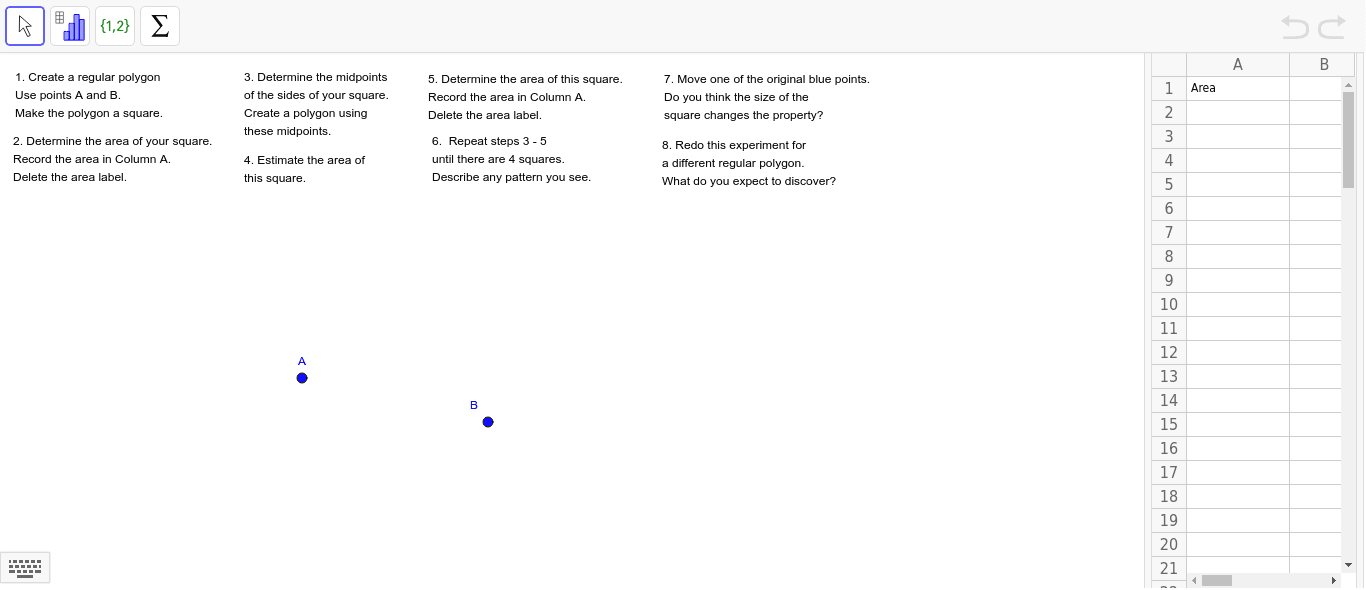
① This example illustrates how connecting the midpoints of a regular polygon generates a new regular polygon and computes its area. ② The core mathematics involves properties of regular polygons, similarity of the midpoint polygon, area ratios, and geometric transformations such as scaling. ③ In GeoGebra the construction uses objects A, B (vertices), the polygon tool, and text objects text1‑text7 to display intermediate and final area values, often animated with sliders. ④ It is intended for high‑school or early‑university students studying geometry, mathematical modeling, or computational geometry.
GeoGebra Commands & Parameters
Point A(1.74, -0.2)Point B(5.46, -1.08)
AI Drawing Prompt Reference
Draw a regular polygon and then connect the midpoints of its sides to form a new regular polygon. Use points A(1.74, -0.2) and B(5.46, -1.08) as two vertices of the polygon. Construct the new polygon by connecting the midpoints of the sides and calculate the area ratio between the two polygons.
The prompt above was compiled from the original drawing commands and is for reference only.