
Area of Circles
Loading the math board and drawing, please wait…
In collections
Measurement
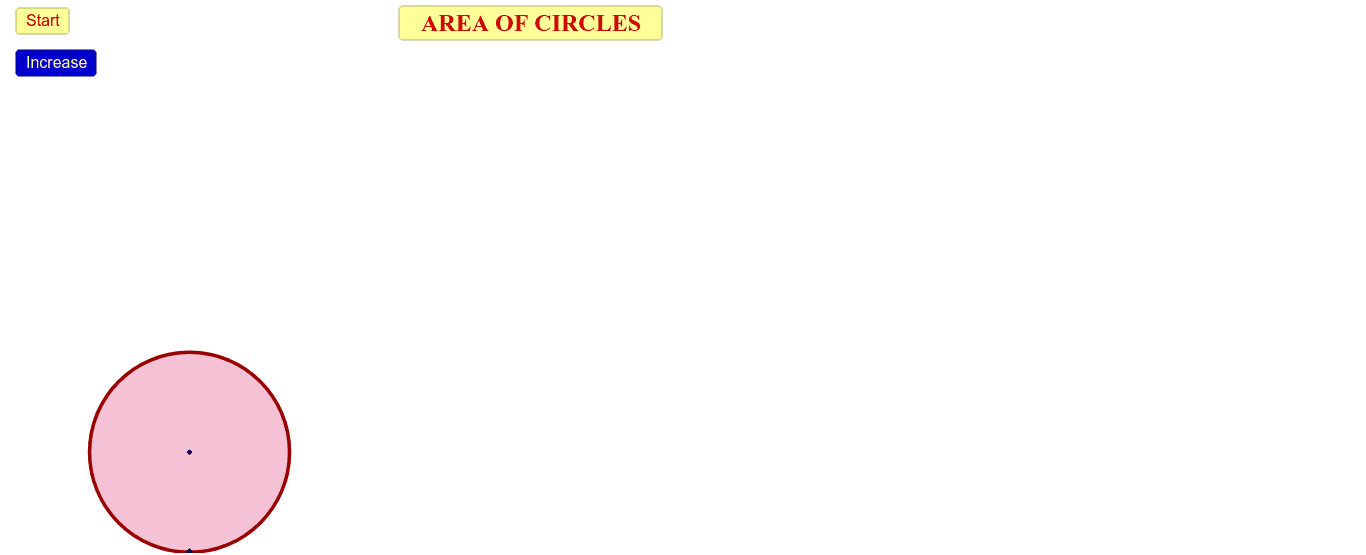
This example demonstrates how to calculate the area of a circle using geometric construction. Key mathematical concepts include the properties of circles and the area formula. It utilizes commands such as circle, intersection, text field, segment, point, vector, translate, midpoint, sequence, etc. Suitable for middle school and above students to learn geometry and area calculation.
GeoGebra Commands & Parameters
If(s ≤ 1.5, 0, If[(1.5 < s) ∧ (s ≤ 2.5), s - 1.5, 1]) → s2Intersect(yAxis, xAxis) → OCircle(A, O) → cCircumference(c) → zIf(s ≤ 5, 0, If[(5 < s) ∧ (s ≤ 6), s - 5, 1]) → s5If(s ≤ 3, 0, If[(3 < s) ∧ (s ≤ 4), s - 3, 1]) → s3If(s ≤ 4, 0, If[(4 < s) ∧ (s ≤ 5), s - 4, 1]) → s4If(s ≤ 0, 0, If[(0 < s) ∧ (s ≤ 1), s, 1]) → s1Textfield(A1) → dv1Segment(O, M) → bCircle(A, O) → dPoint(yAxis) → HVector(O, H) → z_1Translate(M, z_1) → M'Vector(H, M') → eVector(M', H) → tMidpoint(H, M') → IVector(J, K) → hVector(K, J) → RSegment(M', M) → jSegment(H, O) → kSegment(O, J) → lSegment(A, K) → pMidpoint(K, J) → PIf(s ≤ 6, 0, If[(6 < s) ∧ (s ≤ 7), s - 6, 1]) → s6If(s ≤ 7, 0, If[(7 < s) ∧ (s ≤ 8), s - 7, 1]) → s7Circle(A, O) → qSequence(Dilate[O, i / n, A], i, 0, n) → Li1CircleArc(C, O, B) → s_1Sequence(Dilate[B, i / n, A], i, 0, n) → Li2Sequence(Dilate[C, i / n, A], i, 0, n) → Li3Sequence(CircleArc[Element[Li3, i], Element[Li1, i], Element[Li2, i]], i, 1, n) → Li4Sequence(Dilate[M, i / n, A], i, 0, n) → Li5Sequence(Segment[Element[Li1, i], Element[Li5, i]], i, 1, n) → Li6Segment(A, M) → rCircleArc(C', O, B') → s_2Sequence(Circle[A, Element[Li1, i]], i, 1, n) → Li7Sequence(CircleArc[A, Rotate[Element[Li1, i], (((-360))° * s2), A], Element[Li1, i]], i, 1, n) → Li8
AI Drawing Prompt Reference
Draw a circle with its center labeled and the area formula displayed. From the center, draw a ray and place multiple points along it. Using these points, draw several concentric circles to illustrate the area calculation process. Use different colors and line styles to distinguish parts, and label key points with names and values for clarity.
The prompt above was compiled from the original drawing commands and is for reference only.