
Demonstrating Circle Area Calculation by nguyenphuoc0802
Loading the math board and drawing, please wait…
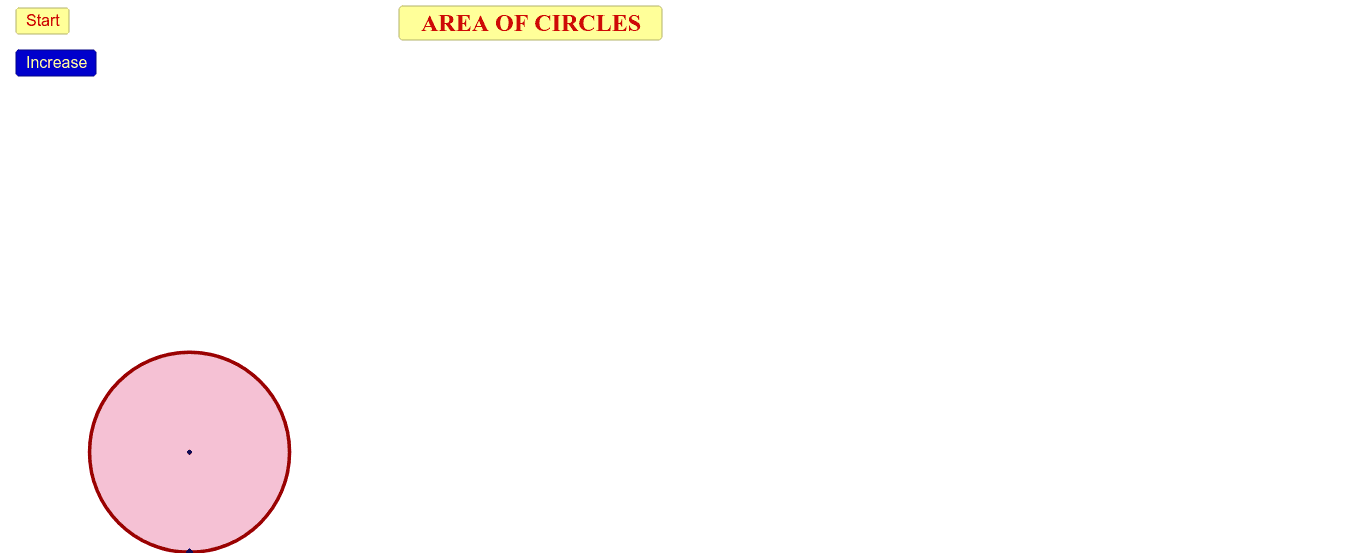
This example demonstrates how to dynamically calculate the area of a circle. It involves core mathematical concepts such as π, radius, and area formulas. GeoGebra commands and objects like If, Intersect, Circle, Circumference, Textfield, Segment, Point, Vector, Translate, Midpoint, Sequence, CircleArc are used in the construction. Suitable for high school mathematics teaching to visually explain the derivation of the circle area formula.
GeoGebra Commands & Parameters
If(s ≤ 1.5, 0, If[(1.5 < s) ∧ (s ≤ 2.5), s - 1.5, 1]) → s2Intersect(yAxis, xAxis) → OCircle(A, O) → cCircumference(c) → zIf(s ≤ 5, 0, If[(5 < s) ∧ (s ≤ 6), s - 5, 1]) → s5If(s ≤ 3, 0, If[(3 < s) ∧ (s ≤ 4), s - 3, 1]) → s3If(s ≤ 4, 0, If[(4 < s) ∧ (s ≤ 5), s - 4, 1]) → s4If(s ≤ 0, 0, If[(0 < s) ∧ (s ≤ 1), s, 1]) → s1Textfield(A1) → dv1Segment(O, M) → bCircle(A, O) → dPoint(yAxis) → HVector(O, H) → z_1Translate(M, z_1) → M'Vector(H, M') → eVector(M', H) → tMidpoint(H, M') → IVector(J, K) → hVector(K, J) → RSegment(M', M) → jSegment(H, O) → kSegment(O, J) → lSegment(A, K) → pMidpoint(K, J) → PIf(s ≤ 6, 0, If[(6 < s) ∧ (s ≤ 7), s - 6, 1]) → s6If(s ≤ 7, 0, If[(7 < s) ∧ (s ≤ 8), s - 7, 1]) → s7Circle(A, O) → qSequence(Dilate[O, i / n, A], i, 0, n) → Li1CircleArc(C, O, B) → s_1Sequence(Dilate[B, i / n, A], i, 0, n) → Li2Sequence(Dilate[C, i / n, A], i, 0, n) → Li3Sequence(CircleArc[Element[Li3, i], Element[Li1, i], Element[Li2, i]], i, 1, n) → Li4Sequence(Dilate[M, i / n, A], i, 0, n) → Li5Sequence(Segment[Element[Li1, i], Element[Li5, i]], i, 1, n) → Li6Segment(A, M) → rCircleArc(C', O, B') → s_2Sequence(Circle[A, Element[Li1, i]], i, 1, n) → Li7Sequence(CircleArc[A, Rotate[Element[Li1, i], (((-360))° * s2), A], Element[Li1, i]], i, 1, n) → Li8
AI Drawing Prompt Reference
Draw a circle with its area calculation demonstrated. Mark the center point where it intersects the x and y axes, and draw the radius. Divide the circle into multiple sectors, showing how they form an approximate rectangle when rearranged, with vectors and points labeled to illustrate the derivation of the area formula.
The prompt above was compiled from the original drawing commands and is for reference only.