
Area of a Parallelogram - Dynamic Demonstration
Loading the math board and drawing, please wait…
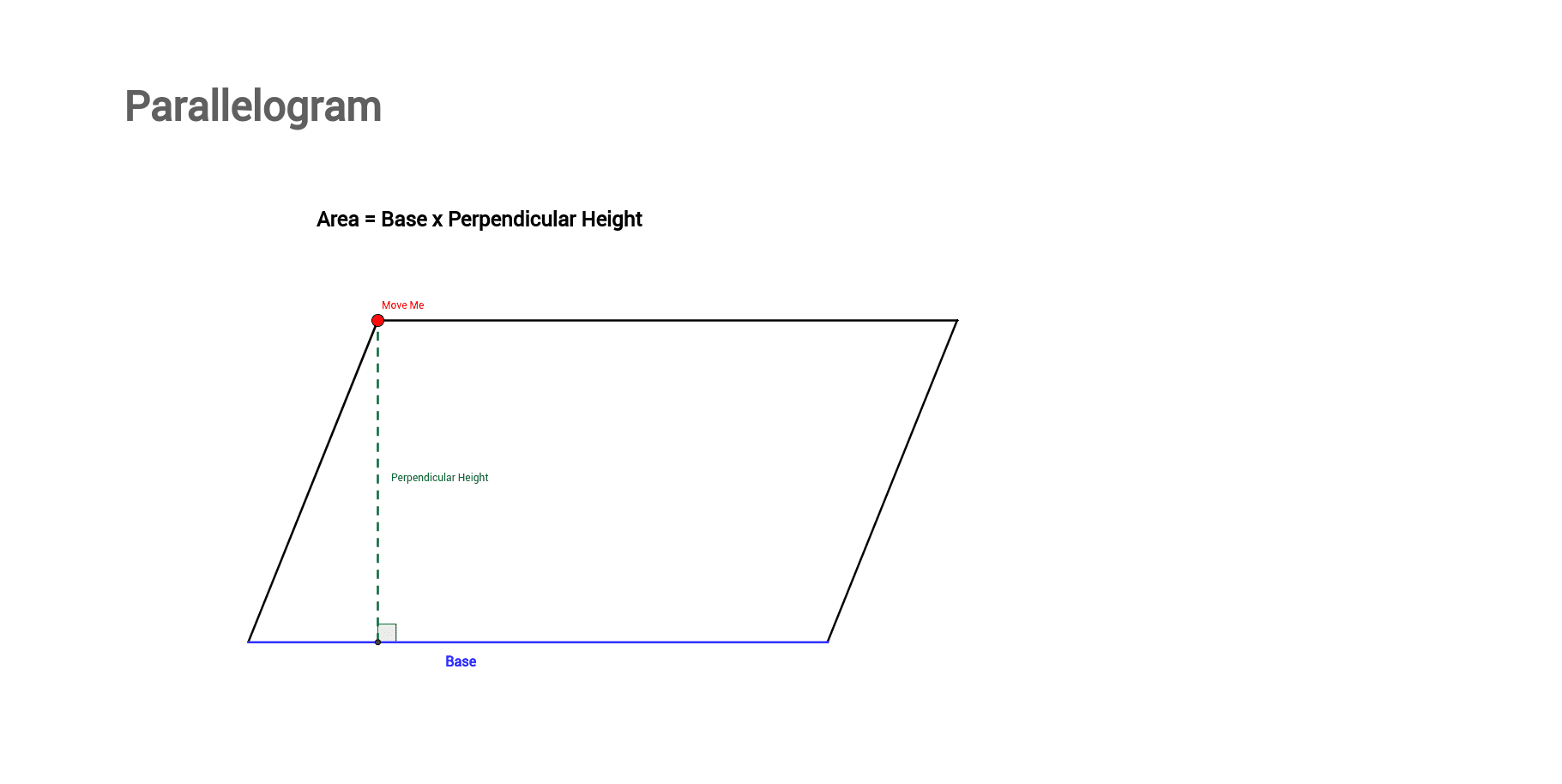
This GeoGebra example provides an interactive demonstration of how to calculate the area of a parallelogram. The core mathematical concept is that the area equals base times height, independent of the parallelogram's skew, emphasizing that only the perpendicular distance between the bases matters. The construction uses commands such as Line, Point, Segment, OrthogonalLine, Intersect, and Angle to build the parallelogram, draw the altitude, mark the right angle, and display dynamic text labels (text1, text2, text3) for base, height, and area. Objects include points G, H, I, J, K, L, M, N, O, lines q, r, s, t, and angle α. Suitable for middle school geometry lessons, this example helps students visualize the area formula, explore the relationship between parallelograms and rectangles, and understand the invariance of area under shearing transformations.
GeoGebra Commands & Parameters
Line(G, H) → qLine(I, J) → rPoint(q) → KPoint(Circle[K, 9]) → LSegment(K, L) → sPoint(r) → MPoint(r) → NSegment(K, M) → tSegment(L, N) → aSegment(M, N) → f_1OrthogonalLine(K, r) → g_1Intersect(r, g_1) → OSegment(O, K) → h_1Angle(K, O, N) → α
AI Drawing Prompt Reference
Draw a parallelogram with a base, height, and area. First, draw two parallel lines q and r. Then, take a point K on q and a point L on the circle centered at K, connecting KL to form one side s of the parallelogram. Take points M and N on r, connecting KM and LN to form the other two sides t and a of the parallelogram. From K, draw a perpendicular line to r intersecting at O, and connect OK to form the height h_1. Measure the angle KON and display dynamic text for the base, height, and area.
The prompt above was compiled from the original drawing commands and is for reference only.