
Arc Length & Sector Area: Interactive Circle Exploration
Loading the math board and drawing, please wait…
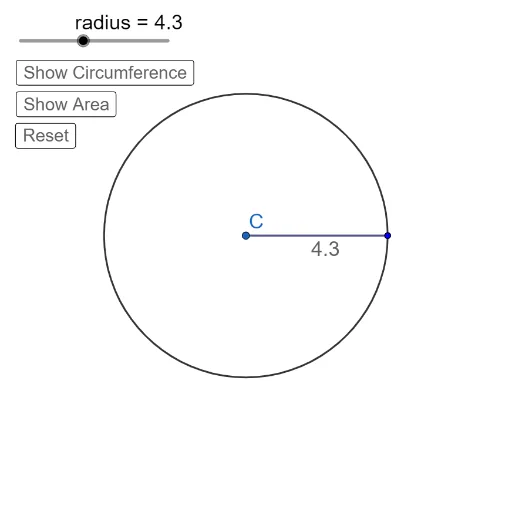
This GeoGebra example provides an introductory, interactive demonstration of how arc length and sector area are calculated for a circle. It visually shows the relationships among the circle's radius, central angle, arc length, and sector area, emphasizing the proportional formulas l = rθ and A = ½r²θ (with θ in radians). Core mathematical concepts include circle geometry, angle measurement (degrees and radians), arc length, sector area, and rotation. The construction uses GeoGebra commands such as Circle, Segment, Rotate, CircleArc, and Sector to build the circle, radii, rotated segments, and the arc/sector regions. Buttons (button1, button2, button3) toggle the visibility of the arc, area, and text labels, while dynamic points (A', A'_1, A'_2) allow users to adjust the central angle interactively. This resource is ideal for middle or high school students learning circle measurements, and for teachers seeking a visual tool to explain the derivation of arc length and sector area formulas.
GeoGebra Commands & Parameters
Segment(C, A) → fCircle(C, A) → cRotate(A, t°, C) → A'CircleArc(C, A, A') → dRotate(A, (-(90°)), C) → A'_1Rotate(A, b°, C) → A'_2Sector(c, A, A'_2) → e
AI Drawing Prompt Reference
Draw a circle with a fixed center and a movable point on its circumference. Connect the center to this point with a radius. Rotate this radius around the center by an adjustable angle to create a second radius, and draw the circular arc between the two radii. Rotate another radius to a fixed vertical direction, and use it with another adjustable angle to form a sector region. The figure illustrates how arc length and sector area change with the central angle, which can be adjusted via sliders, with buttons to toggle the visibility of the arc, area, and text labels.
The prompt above was compiled from the original drawing commands and is for reference only.