
Animation to Show the Area of a Triangle
Loading the math board and drawing, please wait…
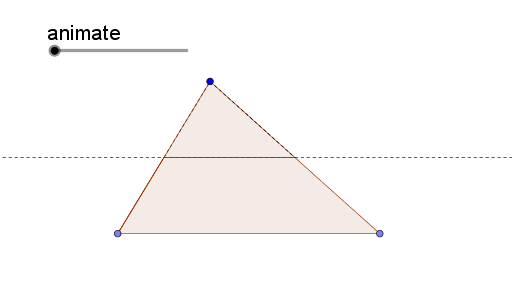
This example demonstrates the calculation method of a triangle's area through animation. Key mathematical concepts include the triangle area formula and the midline theorem. It uses GeoGebra commands such as If, Point, Polygon, Semicircle, Intersect, Angle, Rotate, Element, and Segment. Suitable for middle school and above students to learn geometric construction and area calculation.
GeoGebra Commands & Parameters
If(animate < 1, 0, animate - 1) → animate2Point(xAxis) → APoint(xAxis) → BPolygon(A, B, C) → poly1, c, a, bSemicircle(C, B) → dPoint(d, 1 - animate) → GIntersect(f, g) → FIntersect(f, b) → RIntersect(f, a) → DAngle(G, D, C) → αRotate(F, α, R) → SElement(Sort[{H, R}], 2) → JRotate(F, (-α), D) → QRotate(D, (-α), D) → D'Rotate(R, α, R) → E'Rotate(E', (-α), D') → PIf(animate < 1, D, Element[Sort[{D, E}], 1]) → IRotate(C, (-α), D') → C'_2Rotate(D, (-α), D') → D'_1Polygon(D, E', C) → poly2, j, k, lRotate(C, (-α), D) → C'Rotate(C, α, R) → C'_1Segment(R, C) → hPolygon(D'_1, E, C'_2) → poly2', m, n, pPolygon(A, J, I, B) → poly4, q, s, t, eSegment(C, D) → iPolygon(A, H, R) → poly3, r, a_1, h_1Segment(C, F) → f_1