
Angle Practice: ±1 Scored
Loading the math board and drawing, please wait…
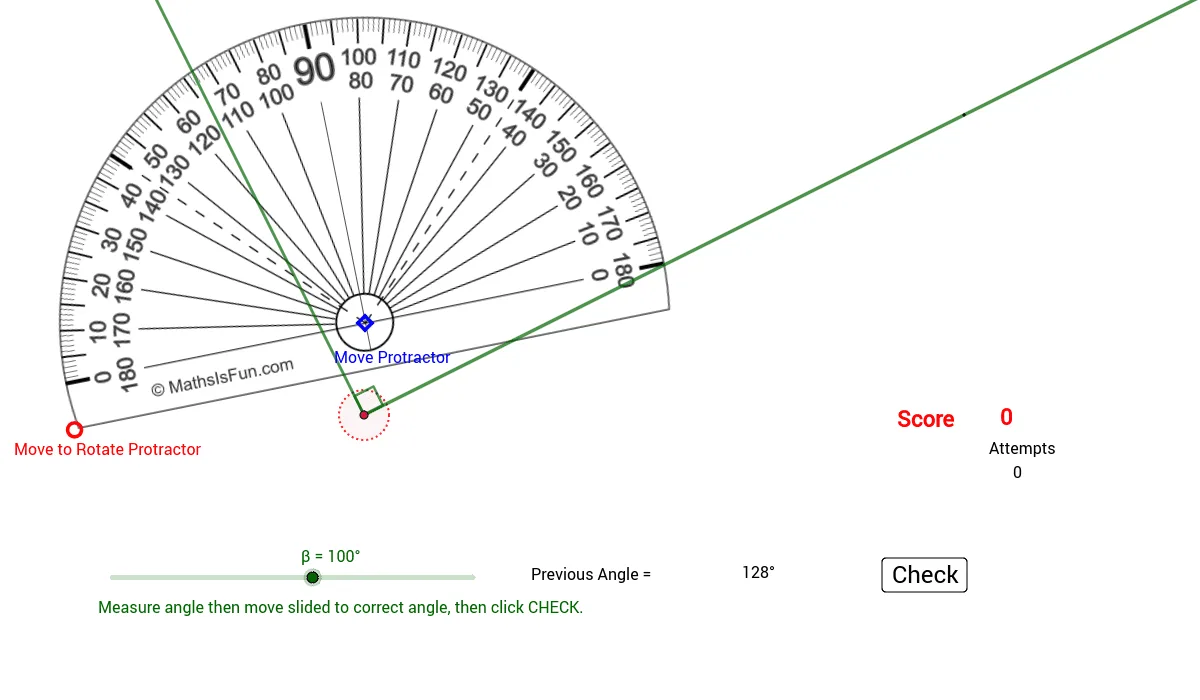
This example demonstrates angle measurement and rotation. Key math concepts include angles, rotation, and random generation. GeoGebra commands used include Circle, Point, Rotate, Segment, Ray, Random, Angle, and Text. Suitable for middle school students to practice angle measurement and rotation.
GeoGebra Commands & Parameters
Circle(D, 6.19) → cPoint(c) → ERotate(E, 162.35°, D) → E'Point(c) → FSegment(F, D) → hRay(Vertex, R) → fRandom(5, 175) → AngRotate(R, Ang°, Vertex) → R'Angle(R, Vertex, R') → αRay(Vertex, R') → gText(Score) → text1Text(try) → text3Text(θ) → text6Circle(Vertex, 0.5) → d
AI Drawing Prompt Reference
Draw a circle with a fixed center and a radius of about 6.19. Pick a random point on the circle and rotate it around the center by about 162.35 degrees to get another point. Pick another point on the circle and draw a segment from the center to that point. From the center, draw a ray pointing in a random direction between 5 and 175 degrees. Rotate this ray by that same random angle to get a second ray. Mark the angle between the two rays and display its measure. Add a small circle near the center and include text showing the score, number of attempts, and the angle symbol.
The prompt above was compiled from the original drawing commands and is for reference only.