
Angle between 3D Vectors Using Dot Product
Loading the math board and drawing, please wait…
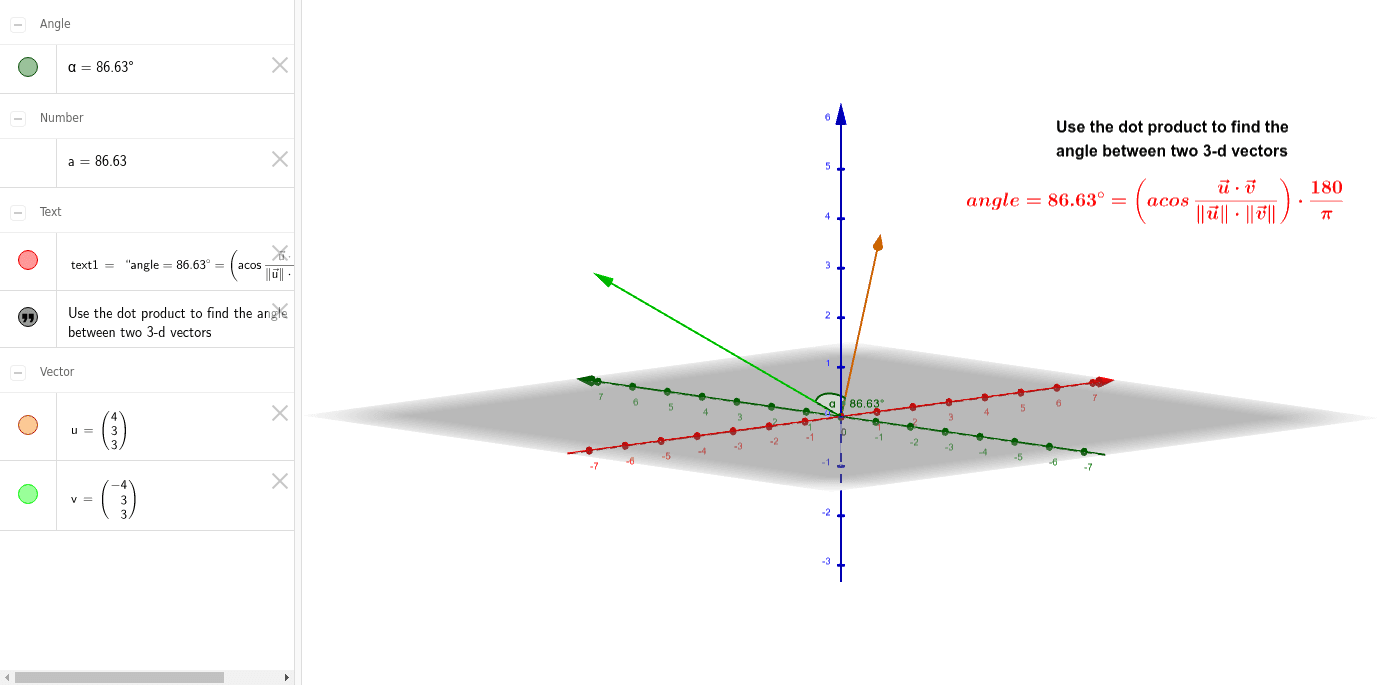
This example demonstrates how to calculate the angle between two 3D vectors using the dot product. It visually shows the vectors and their dot product, intuitively explaining the relationship between the dot product and the cosine of the angle. Core mathematical concepts include 3D vectors, the dot product formula, the cosine rule, and spatial geometry. The construction uses GeoGebra's Angle command to calculate the angle, involving objects like vectors v, u, angle α, and texts text1, text2. Suitable for high school and above students learning vector operations, spatial geometry, and dot product applications, as well as for teaching calculus and linear algebra.
GeoGebra Commands & Parameters
Angle(v, u) → α