
Analyze Various Limits with This App
Loading the math board and drawing, please wait…
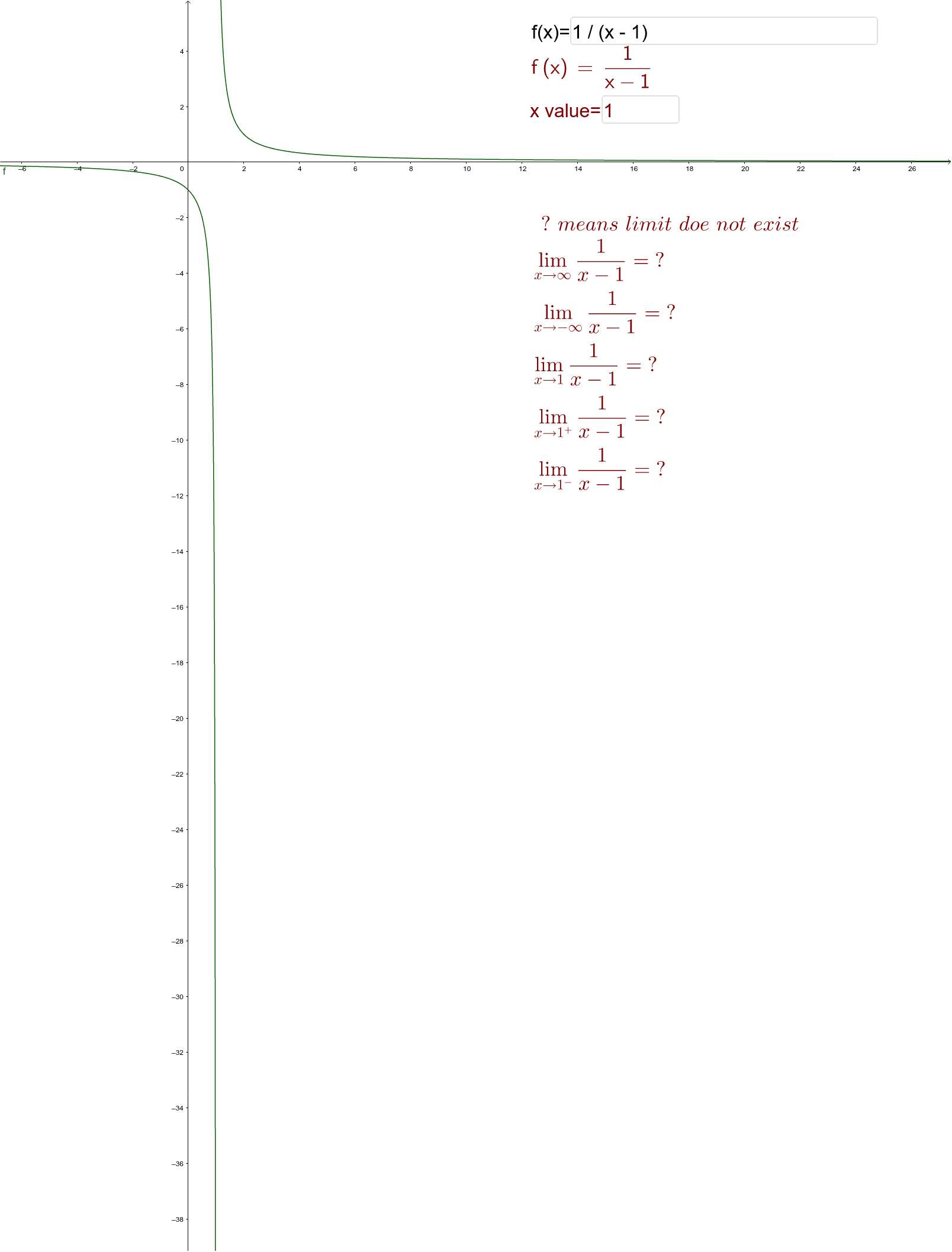
This example demonstrates how to use GeoGebra to analyze the behavior of functions at different points, focusing on concepts like limits, upper limits, lower limits, and function graphing. Key GeoGebra commands and objects used include Limit, LimitAbove, LimitBelow, Textfield, LaTeX, and elements such as f, xval, a, b, c, d, e, InputBox1, text1, text2, InputBox2. Ideal for high school students and educators for learning and teaching purposes.
GeoGebra Commands & Parameters
Limit(f, xval) → aLimit(f, Infinity) → bLimit(f, -Infinity) → cLimitAbove(f, xval) → dLimitBelow(f, xval) → eTextfield(f) → InputBox1LaTeX(f, true, true) → text1Textfield(xval) → InputBox2