
Am I a Square?
Loading the math board and drawing, please wait…
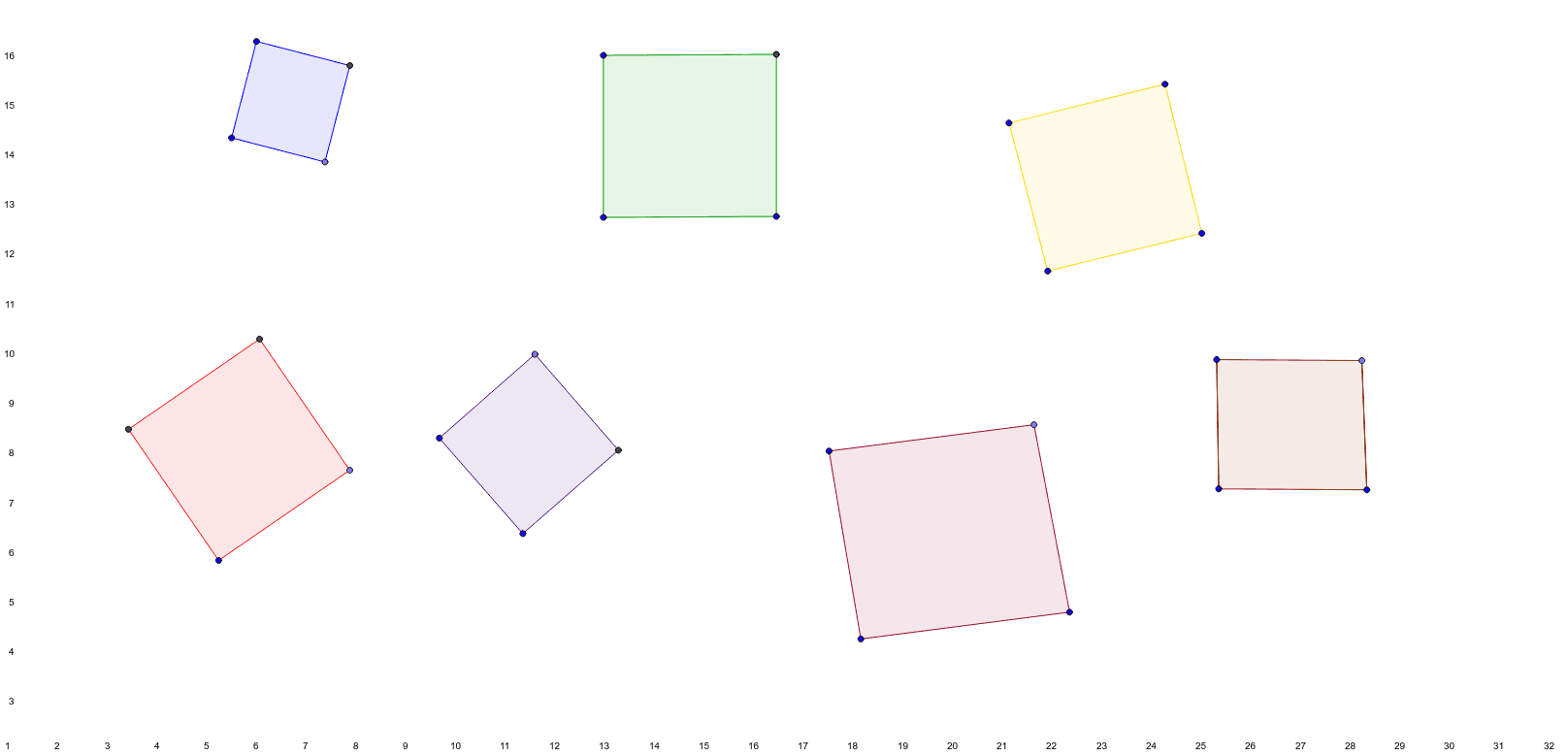
This example demonstrates how to determine if a quadrilateral is a square by using rotation and properties of squares. Key mathematical concepts include properties of squares, rotation, and parallel lines. It uses commands such as Line, OrthogonalLine, Point, Intersect, Polygon, Circle, AngularBisector, and Segment in GeoGebra. Suitable for middle school and above students to learn about geometric transformations and properties of squares.
GeoGebra Commands & Parameters
Line(A, B) → aOrthogonalLine(A, a) → bOrthogonalLine(B, a) → cPoint(c) → COrthogonalLine(C, c) → dIntersect(b, d) → DPolygon(A, D, C, B) → poly1, a_1, d_1, c_1, b_1Line(E, F) → ePoint(e) → GCircle(E, G) → fOrthogonalLine(E, e) → gIntersect(f, g, 2) → IOrthogonalLine(I, g) → hOrthogonalLine(G, e) → iIntersect(h, i) → LPolygon(I, L, G, E) → poly2, i_1, l, g_1, e_1Line(J, K) → jLine(M, j) → kLine(J, M) → mLine(K, m) → nIntersect(n, k) → NPolygon(M, N, K, J) → poly3, m_1, n_1, k_1, j_1Line(O, P) → pLine(P, Q) → qAngularBisector(p, q) → r, sLine(O, r) → tPoint(s) → RLine(R, O) → f_1Intersect(q, t) → SPolygon(R, O, P, S) → poly4, r_1, o, p_1, s_1Line(T, U) → h_1Line(V, h_1) → l_1Line(T, V) → q_1Point(l_1) → WLine(U, W) → t_1Polygon(V, T, U, W) → poly5, v, t_2, u, wLine(Z, A_1) → a_2Line(A_1, B_1) → b_2Line(B_1, C_1) → c_2Line(C_1, Z) → d_2Polygon(Z, A_1, B_1, C_1) → poly6, z_1, a_3, b_3, c_3Line(D_1, E_1) → e_2Line(F_1, e_2) → f_2Segment(D_1, F_1) → g_2Point(f_2) → G_1Segment(G_1, E_1) → h_2Polygon(F_1, D_1, E_1, G_1) → poly7, f_3, d_3, e_3, g_3
AI Drawing Prompt Reference
Draw a geometric figure consisting of multiple quadrilaterals. Start with a segment, construct perpendicular lines at its endpoints to form a square with equal sides and right angles. Then, using another segment as a side, construct a second square by drawing a circle and perpendicular lines. Next, create a parallelogram from two intersecting lineshol. After that, use an angle bisector to form a rhombus. Then, construct a trapezoid using parallel lines and a point. Finally, draw an arbitrary quadrilateral, and construct another quadrilateral based on a segment and a parallel line. Show all sides, vertices, and construction lines clearly.
The prompt above was compiled from the original drawing commands and is for reference only.