
Align Numbers
Loading the math board and drawing, please wait…
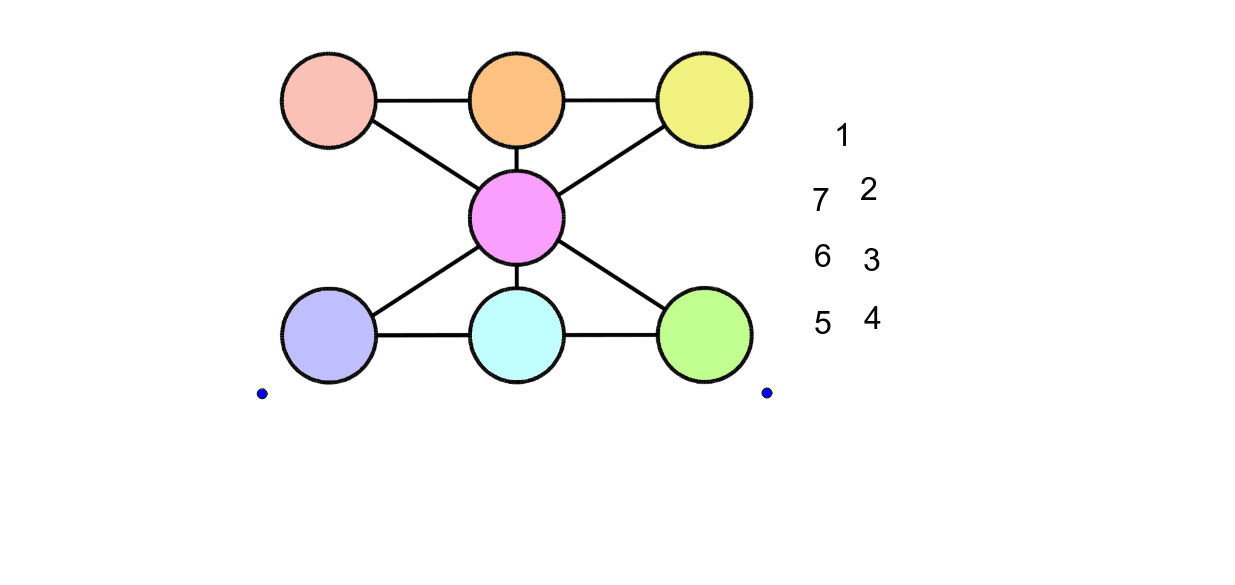
This example demonstrates how to align numbers using GeoGebra, showcasing the arrangement and relationships of numbers through constructed objects. Core math concepts include numbers, right triangles, arithmetic, integers, variance, and indefinite integral. Construction highlights involve commands/objects like B, A, C, pic1, text1, text1_1, text1_2, text1_3, text1_4, text1_5, text1_6. Suitable for middle school and above, ideal for teaching and exploring number patterns.
GeoGebra Commands & Parameters
Point B(4.3640000000000025, -3.076)Point A(0.944, -1.576)Point C(11.04, -1.56)
AI Drawing Prompt Reference
Draw a shape with three points, two located below the coordinate system and one to the right above, construct right triangles involving these points, and display geometric relationships related to numbers such as integers, variance, and integral representations, suitable for teaching and exploring number patterns.
The prompt above was compiled from the original drawing commands and is for reference only.