
Algebraic Function Evaluation by Tim Brzezinski
Loading the math board and drawing, please wait…
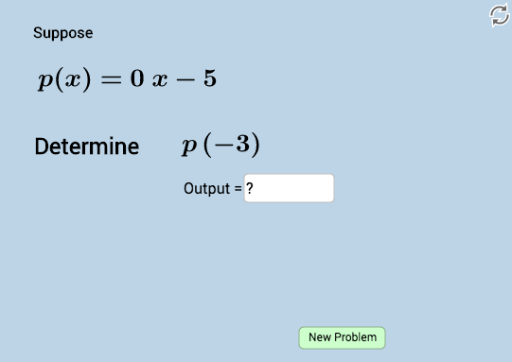
This example demonstrates how to evaluate function outputs algebraically. It involves core math concepts like functions, polynomial functions, and combinatorics. Constructed using GeoGebra commands Random and Textfield, along with objects n, a, b, c, d, e, i, f, g, h, j, text1, text2, text3, text4, text5, InputBox1, button1, k, text6, text7, text8. Suitable for high school mathematics teaching, focusing on practicing and testing function evaluation skills.
GeoGebra Commands & Parameters
Random(-5, 5) → aRandom(-5, 5) → bRandom(-5, 5) → cRandom(-5, 5) → dRandom(-5, 5) → eRandom(-8, 8) → iTextfield(n) → InputBox1Random(1, 4) → k
AI Drawing Prompt Reference
Create a random polynomial function and demonstrate the calculation of its input-output values. In the coordinate system, generate five random points as coefficients for the polynomial function and one random point as the input value. Use a text box to input a variable and randomly select an integer to determine the degree of the polynomial. Plot the polynomial function in the coordinate system, label the input and corresponding output values, and display the calculation process and results.
The prompt above was compiled from the original drawing commands and is for reference only.