
Addition or Subtraction (100)
Loading the math board and drawing, please wait…
In collections
Arithmetic: Skills & Concepts
Arithmetic: Skills & Concepts
Arithmetic: Skills & Concepts
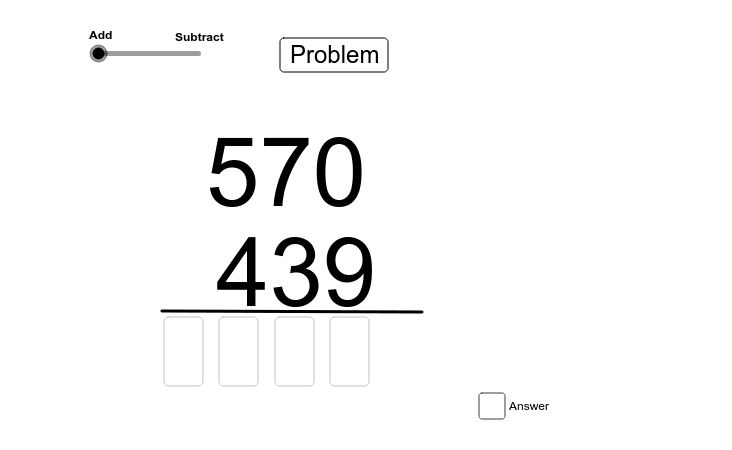
This example demonstrates basic addition and subtraction operations using GeoGebra. Key mathematical concepts include representing numbers on a number line, calculating distances, and converting signs. Construction involves using Random to generate random values, If for conditional checks, Length for measurement, and Text for labeling. Suitable for middle school students to reinforce basic arithmetic skills or as a supplementary tool for math practice.
GeoGebra Commands & Parameters
Random(100, 999) → temp2Random(100, 999) → temp1If(temp1 > temp2, temp1, temp2) → addend1If(temp1 < temp2, temp1, temp2) → addend2Length(Text[addend1]) → L1Length(Text[addend2]) → L2Text(Text[addend2], (m, n)) → text3Text(Text[addend1], (p, q)) → text2Textfield(A1) → inputBox1Textfield(A2) → inputBox2Textfield(A3) → inputBox3Textfield(A4) → inputBox4Textfield(A5) → inputBox5Textfield(A6) → inputBox6Textfield(A6) → inputBox7Textfield(A7) → inputBox8If(t > 1.5, answer, answer2) → uText(u) → text4Segment(A, B) → a_1
AI Drawing Prompt Reference
Draw a number line with two randomly generated numbers, where the larger number is the addend1 and the smaller number is the addend2. Mark these numbers on the number line and input their sum in the text fields.
The prompt above was compiled from the original drawing commands and is for reference only.