
Activity 3: Translation Symmetry
Loading the math board and drawing, please wait…
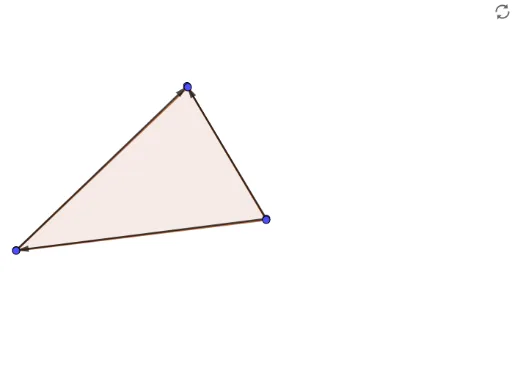
This GeoGebra activity demonstrates translation symmetry by using a vector to translate polygons (such as a cuboid or triangle), showing that the translated figure remains congruent and preserves orientation. Core mathematical concepts include translation symmetry, vectors, linear functions, linear equations, and inequalities used to define regions or constraints. Construction highlights: the Vector command creates translation vector u, the Polygon command builds base polygons, and vertices (A, B, C, D, E, F) are generated via translation. Linear functions f, d, e and inequality t1 help define boundaries or auxiliary conditions. Suitable for middle school to high school students learning geometric transformations, vectors, and function graphing, as well as for teachers demonstrating translation symmetry interactively.
GeoGebra Commands & Parameters
Vector(A, B) → uVector(C, B) → vVector(C, A) → wPolygon(D, E, F) → t1, f, d, e
AI Drawing Prompt Reference
Draw a diagram demonstrating translation symmetry, including two polygons and a vector. First, create a vector to represent the direction and magnitude of translation, then use this vector to translate one polygon, showing that the translated figure remains congruent to the original and preserves orientation. Define boundaries or auxiliary conditions using linear functions and inequalities, and clearly illustrate the translation process and result.
The prompt above was compiled from the original drawing commands and is for reference only.