
Abstract Concepts and Practice: Constructing Islamic Geometric Patterns
Loading the math board and drawing, please wait…
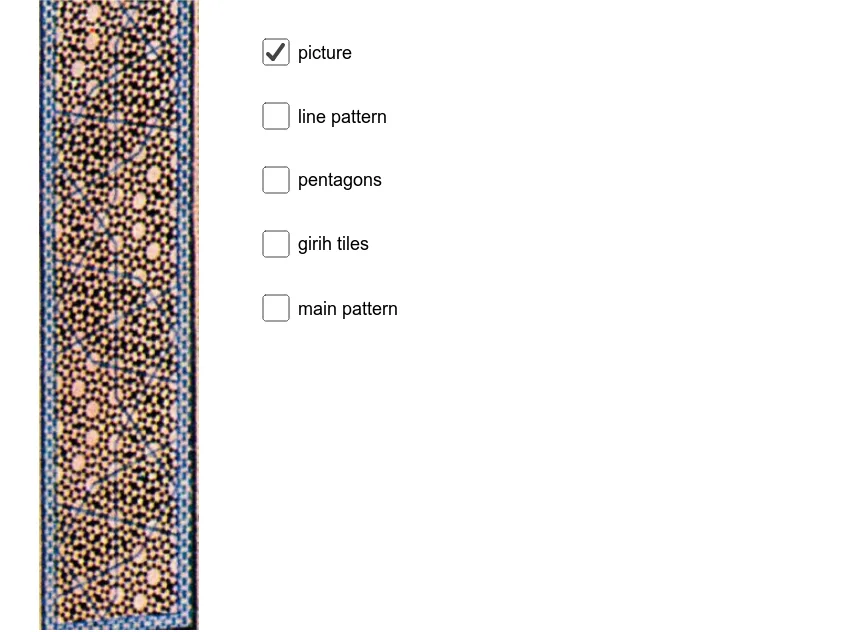
① This GeoGebra example demonstrates how to construct traditional Islamic geometric patterns dynamically, turning abstract mathematical concepts (symmetry, circumcircle, orthocenter) into visual artistic forms. ② Core mathematical concepts include symmetry, combinatorics, properties of circumscribed circles, right triangles, orthocenters, and exponential functions (possibly for scaling or deformation), highlighting the fusion of mathematics and art. ③ Construction details: using commands Polygon, PolyLine, and Segment, the model builds multiple polygons (veelhoek1 to veelhoek4) with auxiliary points (A through S), applying transformations (e.g., afbeelding1) to create repeating patterns, while leveraging circumcircle and orthocenter relationships for geometric precision. ④ Suitable for high school to university levels in mathematics or art design courses, useful for exploring geometric transformations, symmetry groups, and pattern design, and as a cross-disciplinary project (math + visual arts).
GeoGebra Commands & Parameters
Polygon(C, D, E, F, G) → veelhoek1, c, d, e, f, gPolygon(E, H, I, J, K) → veelhoek2, e_1, h, i, j, kPolygon(J, L, M, N, O) → veelhoek3, j_1, l, m, n, oPolygon(N, P, Q, R, S) → veelhoek4, n_1, p, q, r, sPolygon(R, T, U, V, W) → veelhoek5, r_1, t, u, v, wPolygon(U, Z, A_1, B_1, C_1) → veelhoek6, u_1, z_1, a_1, b_1, c_1Polygon(A_1, D_1, E_1, F_1, G_1) → veelhoek7, a, d_1, b, f_1, g_1Polygon(E_1, H_1, I_1, J_1, K_1) → veelhoek8, h_1, i_1, k_1, l_1, m_1Polygon(J_1, L_1, M_1, N_1, O_1) → veelhoek9, p_1, q_1, s_1, t_1, o_1Polygon(J_2, C, K_2, M_2) → vierhoek1, j_2, c_2, k_2, m_2Polygon(I, P_2, Q_2, R_2, L_2) → veelhoek10, i_2, p_2, q_2, r_2, l_2Polygon(G, Q_2, P_2, S_2, T_2, U_2, V) → veelhoek11, g_2, f_2, h_2, s_2, t_2, u_2, v_1Polygon(I, P_2, S_2, T_2, P) → veelhoek12, i_3, n_2, a_2, b_2, p_3Polygon(G, Q_2, R_2, M_2) → vierhoek2, g_3, d_2, e_2, f_3Polygon(P, T_2, U_2, V_2, W_2, Z_2, I_1) → veelhoek13, p_4, h_3, j_3, v_2, w_2, z_2, k_3Polygon(V, U_2, V_2, W_2, G_1) → veelhoek14, v_3, l_3, m_3, n_3, q_3Polygon(G_1, W_2, Z_2, A_3, N_1, E_2) → veelhoek15, r_3, s_3, t_3, a_3, b_3, c_3Polygon(I_1, Z_2, A_3, B_3, M_1) → veelhoek16, d_3, e_3, f_4, g_4, h_4PolyLine(J_2, I_2, D_2, F_2, O, B_2, T_1, Z, S_1, P_1, O_1) → i_4PolyLine(J_2, C, O_2, I) → j_4Segment(N_2, G_2) → k_4PolyLine(G, H_2, L) → l_4PolyLine(K_2, C, G) → m_4Segment(I, O) → n_4PolyLine(M, A_2, W) → q_4Segment(Z_1, V_1) → r_4Segment(W, V) → s_4PolyLine(C_1, U_1, P) → t_4Segment(V, Z) → a_4Segment(O, P) → b_4Segment(Z, G_1) → c_4PolyLine(B_1, R_1, I_1) → d_4Segment(C_2, W_1) → e_4PolyLine(G_1, Q_1, L_1) → f_5Segment(I_1, O_1) → g_5Segment(O_1, N_1) → h_5
AI Drawing Prompt Reference
Create a complex Islamic geometric pattern with multiple regular polygons (such as pentagons and hexagons), generating repeating patterns through rotational and mirror symmetry transformations. Start by drawing several regular polygons, then use the symmetry relationships between circles and polygons to construct auxiliary points and segments, gradually building the entire pattern.
The prompt above was compiled from the original drawing commands and is for reference only.