
6.5.7.3 Connecting Area Models and Multiplication
Loading the math board and drawing, please wait…
In collections
Decimals
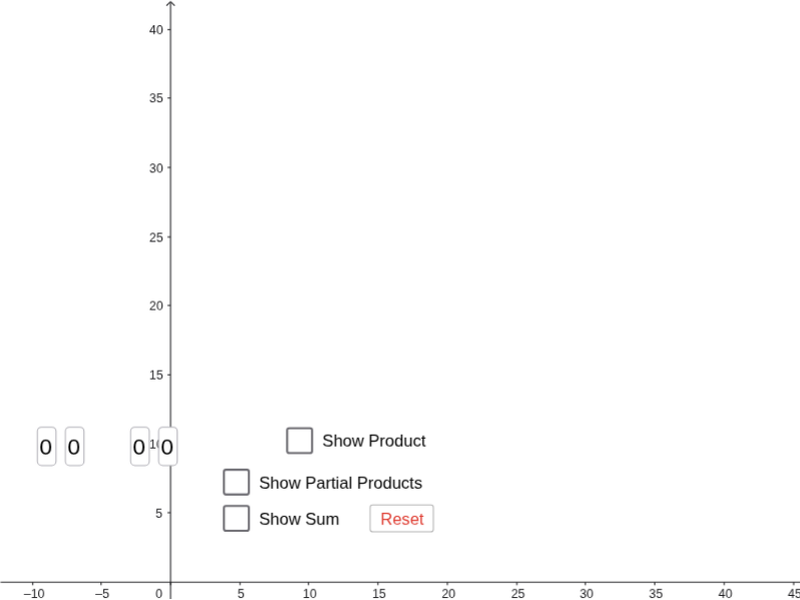
This GeoGebra example demonstrates how to connect area models with multiplication through dynamic geometry, visually showing the correspondence between rectangular areas and multiplication expressions. Core mathematical concepts include area, multiplication, parallelograms, right triangles, and complex numbers. The construction uses commands such as Polygon, Midpoint, Segment, Intersect, and Textfield to create multiple polygons (poly1 to poly4), auxiliary lines, and interactive input fields. It is suitable for upper elementary to middle school students to explore the distributive property, area formulas, and the integration of geometry and arithmetic, and can be used for classroom demonstrations or self-directed learning.
GeoGebra Commands & Parameters
Polygon(A, D, F, B) → poly1, a_1, d_1, f, b_1Polygon(D, E, H, F) → poly2, d_2, e, h, f_1Polygon(F, H, I, G) → poly3, f_2, h_1, i, gPolygon(B, F, G, C) → poly4, b_2, f_3, g_1, c_1Midpoint(A, B) → JMidpoint(B, C) → KMidpoint(A, D) → LMidpoint(D, E) → MSegment(C, F) → l_1Segment(B, G) → m_1Segment(G, H) → nSegment(F, I) → pSegment(F, E) → qSegment(D, H) → rSegment(F, A) → sSegment(B, D) → tIntersect(s, t) → NIntersect(l_1, m_1) → OIntersect(n, p) → PIntersect(q, r) → QTextfield(a) → InputBox1Textfield(b) → InputBox2Textfield(c) → InputBox3Textfield(d) → InputBox4