
3D Volume
Loading the math board and drawing, please wait…
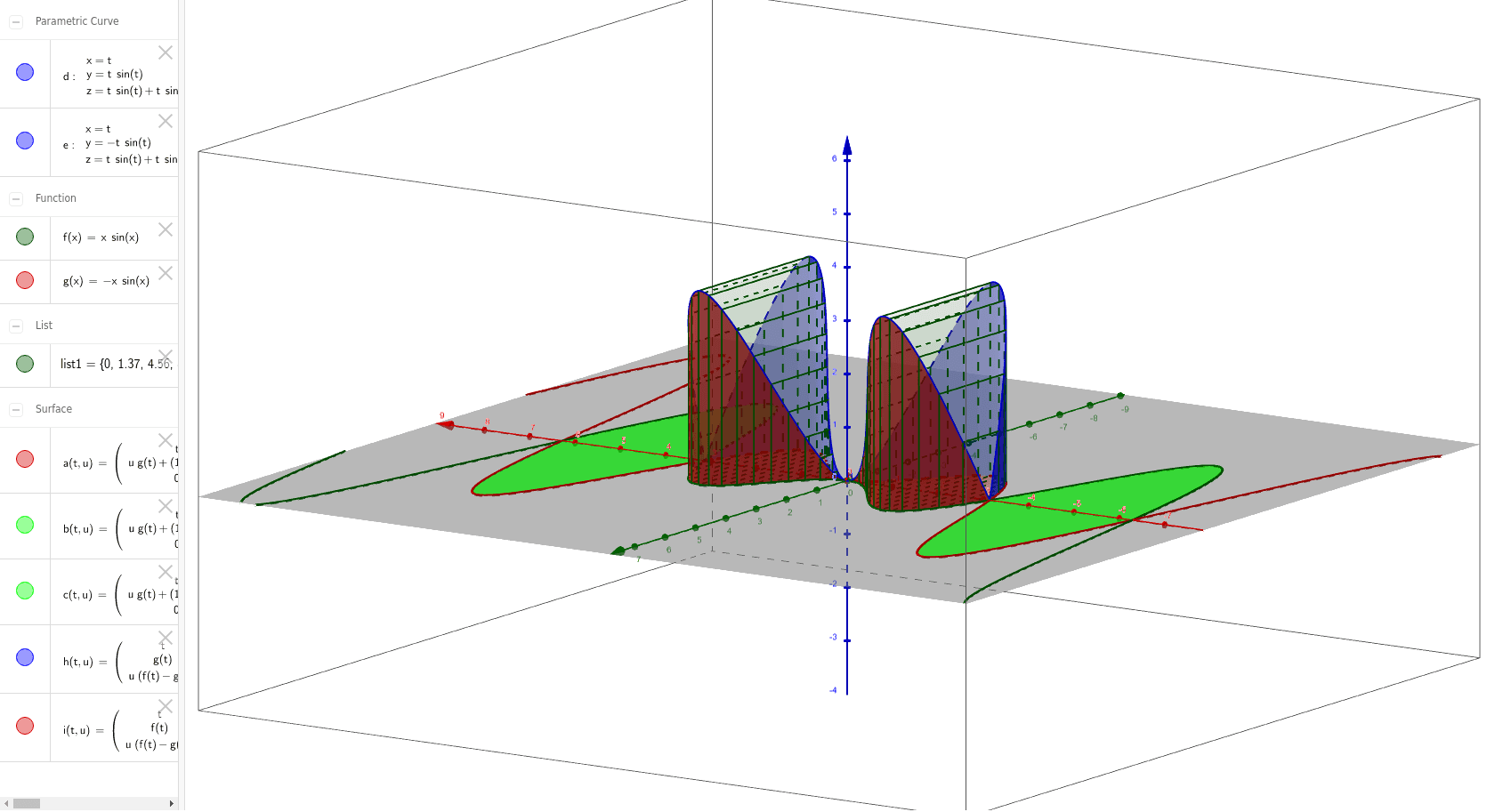
This example demonstrates the calculation of 3D volume. It involves solid geometry and calculus. Using GeoGebra commands such as Surface, Sequence, and CurveCartesian, one can construct 3D shapes like cones and calculate their volumes. Suitable for high school and above students or teachers.
GeoGebra Commands & Parameters
Surface(t, (u * g(t)) + ((1 - u) * f(t)), 0, t, -3.141592653589793, 3.141592653589793, u, 0, 1) → aSurface(t, (u * g(t)) + ((1 - u) * f(t)), 0, t, 3.141592653589793, 6.283185307179586, u, 0, 1) → cSurface(t, (u * g(t)) + ((1 - u) * f(t)), 0, t, -6.283185307179586, -3.14159, u, 0, 1) → bSequence(Polygon[(a, f(a), 0), (a, g(a), 0), (a, g(a), f(a) - g(a)), (a, f(a), f(a) - g(a))], a, -3.141592653589793, 3.141592653589793, 0.2) → list1CurveCartesian(t, f(t), f(t) - g(t), t, -3.141592653589793, 3.141592653589793) → dCurveCartesian(t, g(t), f(t) - g(t), t, -3.141592653589793, 3.141592653589793) → eSurface(t, g(t), (u * (f(t) - g(t))), t, -3.14159, 3.141592653589793, u, 0, 1) → hSurface(t, f(t), (u * (f(t) - g(t))), t, -3.14159, 3.141592653589793, u, 0, 1) → i
AI Drawing Prompt Reference
Draw a 3D cone by first sketching the base circle, then forming the cone by rotating and stacking. Use the curve functions f(t) and g(t) to define the cone's side and base, create the cone's surface with the Surface command, and finally generate the base's polygon outline using the Sequence command.
The prompt above was compiled from the original drawing commands and is for reference only.