
3D Transformation
Loading the math board and drawing, please wait…
In collections
Transformation
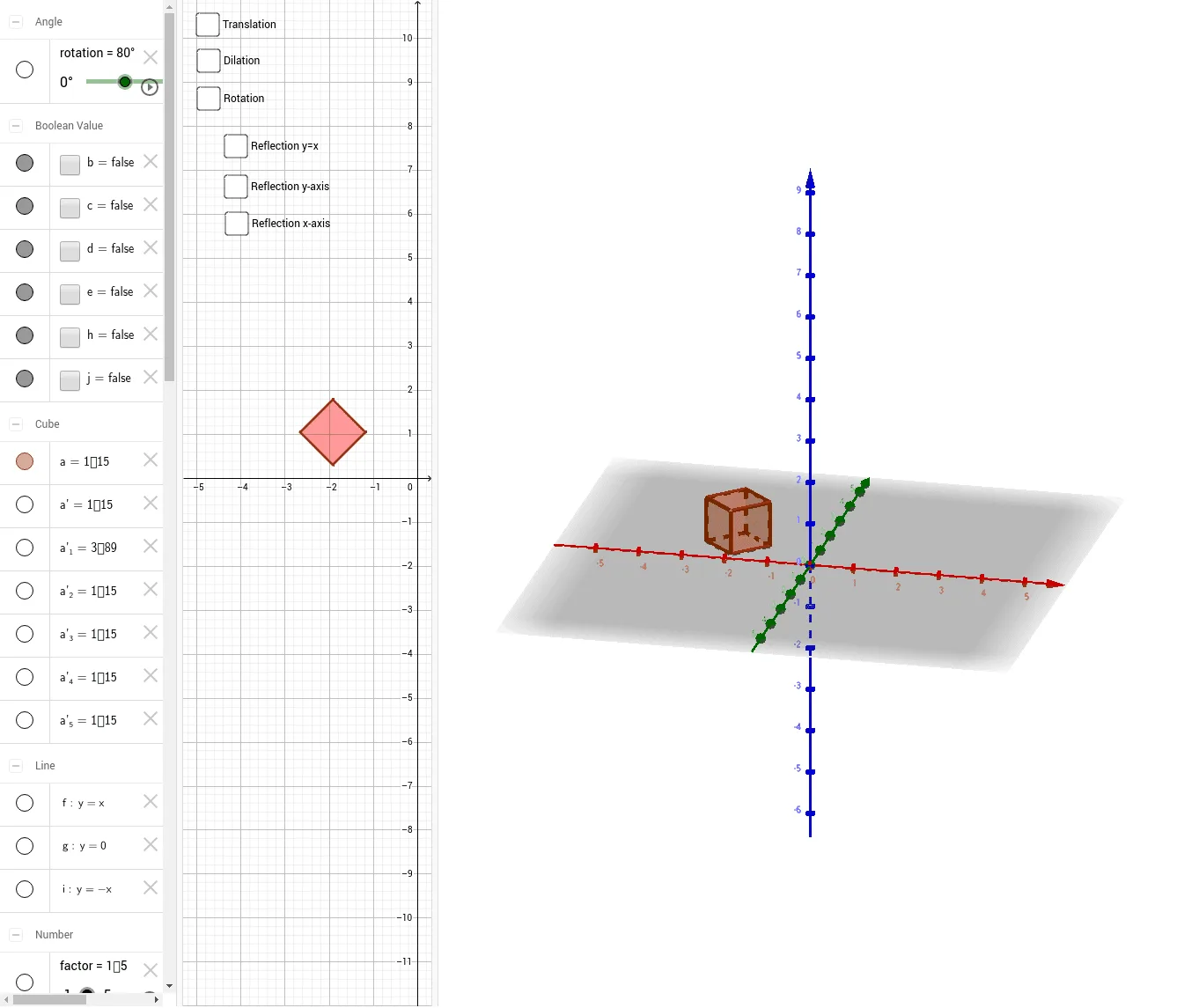
This example demonstrates 3D transformations including translation, scaling, and rotation. Key mathematical concepts include vectors and transformations. Using GeoGebra commands such as Point, Cube, Translate, Dilate, Rotate, etc., the effects of these transformations are visually illustrated. Suitable for high school and above students learning solid geometry and transformation theory.
GeoGebra Commands & Parameters
Point(Circle[D, Distance[C, D], Segment[C, D]]) → ECube(C, D, E) → a, F, faceEFJI, faceGHIJ, edgeCF, edgeCD, edgeDE, edgeEF, edgeCG, edgeFJ, edgeGJ, edgeGH, G, edgeDH, edgeHI, edgeEI, edgeIJ, H, I, J, faceCDEF, faceCFJG, faceCDHG, faceDEIHVector(A, B) → uTranslate(a, u) → a'Dilate(a, factor) → a'_1Rotate(a, rotation) → a'_2Mirror(a, f) → a'_3Mirror(a, g) → a'_4Mirror(a, i) → a'_5
AI Drawing Prompt Reference
Draw a cube, then translate it along a vector, followed by scaling and rotating. Start by taking a point on a circle to form a cube. Define a vector and translate the cube along it. Scale the translated cube with a factor. Rotate the scaled cube by a certain angle. Finally, mirror the rotated cube with different planes to observe the changes.
The prompt above was compiled from the original drawing commands and is for reference only.